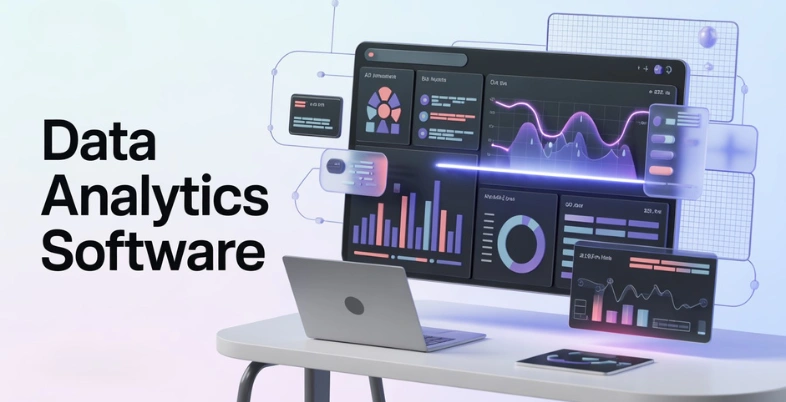
Organizations today generate enormous amounts of data from digital platforms, business applications, customer interactions, and operational systems. Transforming this vast volume of raw information into meaningful insights has become essential for making accurate and timely business decisions. Companies need reliable ways to analyze performance metrics, identify patterns, and uncover opportunities hidden within their data.
However, manually processing large datasets can be time-consuming, complex, and prone to errors. Without the right analytical tools, businesses may struggle to fully understand their operations or respond effectively to changing market conditions. This is where data analytics software becomes highly valuable. These platforms help organizations collect, process, visualize, and interpret data efficiently.
What is Data Analytics Software?
Data analytics software can be defined as computer-based applications and technologies that help to collect and process data in vast amounts of data and analyze the results to present meaningful insights.
These solutions assist companies to convert raw data in different forms like databases, applications, spreadsheets and cloud-based technologies into organized insights that assist in making better decisions. Tableau, Microsoft Power BI, and Qlik Sense are popular services that allow businesses to build interactive dashboards, statistically analyze and find trends or patterns in datasets.
Data analytics tools enable businesses to gain insight into customer behavior, track performance, and predict future outcomes by automating data, applying artificial intelligence (AI) and visualization tools, thus enabling companies to enhance efficiency, strategy and competitive edge in data-driven environments.
Key Features To Look For In Data Analytics Tools
- Data Integration: Capability to integrate two or more data sources, such as databases, cloud applications, spreadsheets, and applications, into one analysis.
- Interactive Dashboards: It offers interactive dashboards whereby charts and graphs are used to create reports that help to simplify interpretation of complex data and enhance insights in business.
- Real Time Analytics: Handles real-time streams of data and helps organizations to track their performance and respond instantly to changes.
- Advanced Data Visualization:Transforms raw data into visual formats that are easily understood such as charts, maps, and graphs.
- Scalability: Supports the growing amount of data, and the performance when working with the growing business and enterprise analytics needs.
- AI and Predictive Analytics: Applications Artificial intelligence and machine learning are applied to predict future trends and detect latent patterns.
- Collaboration Tools: The teams can share dashboards, reports, and insights across the departments to make better decisions.
- Data Security and Governance: Makes available access control, compliance management as well as data protection features to ensure the secure analytics environments.
Quick Comparison Table
| Name | Data Integration | Real-Time Analytics | Collaboration Features | Ease of Use | Pricing |
| Kyvos | Cloud data warehouse integrations | High-performance query analytics | Team BI tool integrations | Moderate | Contact sales |
| Sigma Computing | Snowflake, BigQuery, Redshift | Near real-time analytics | Browser-based team collaboration | Very Easy | Contact sales |
| Looker | Strong Google Cloud integrations | Real-time cloud analytics | Embedded collaborative dashboards | Moderate | Contact sales |
| Qlik Sense | Multiple enterprise data connectors | Real-time associative analytics | Shared dashboards and reporting | Moderate | Starts $300/month |
| IBM Cognos Analytics | Enterprise data source integrations | Real-time reporting capabilities | Enterprise collaboration features | Moderate | From $11.25/month |
| SAS Viya | Enterprise data integration tools | Advanced real-time analytics | Collaborative analytics workspace | Complex | Contact sales |
| ThoughtSpot | Cloud data warehouse connections | Real-time AI analytics search | Collaborative dashboards and sharing | Easy | From $25/user/month |
| TIBCO Spotfire | Multiple data connectors supported | Real-time streaming analytics | Shared analytics dashboards | Moderate | Contact sales |
| Alteryx | Extensive data preparation connectors | Near real-time data workflows | Workflow collaboration features | Moderate | From $250/user/month |
| Snowflake | Multi-cloud data platform integration | Real-time cloud data processing | Secure data sharing across teams | Moderate | From $2/credit |
| Databricks | Integration with major cloud platforms | Real-time big data analytics | Collaborative notebook environment | Complex | Contact sales |
| Domo | 1000+ data source integrations | Real-time business dashboards | Built-in collaboration tools | Easy | Contact sales |
| Sisense | API-driven data integration | Real-time embedded analytics | Team dashboard collaboration | Moderate | From $399/month |
| Microsoft Power BI | Extensive Microsoft ecosystem integrations | Real-time streaming dashboards | Easy report sharing and collaboration | Easy | From $14/user/month |
| Tableau | Multiple databases and cloud integrations | Real-time visual analytics | Dashboard sharing and teamwork | Moderate | From $15/month |
List of 15 Best Data Analytics Software
1. Kyvos
Website: https://www.kyvosinsights.com/
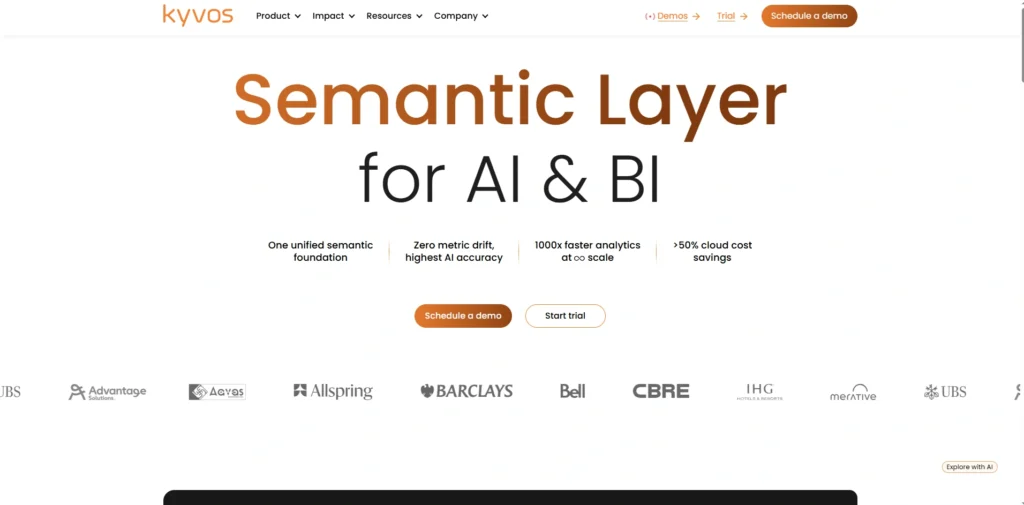
Kyvos is a semantic analytics platform that is created to expedite large volume of data analysis within cloud data ecosystems. The platform was developed and designed by Kyvos Insights and it provides a semantic layer that enhances the efficiency of business intelligence tools and allows them to make faster queries on large amounts of data.
Kyvos is also compatible with well-known analytics tools like Tableau and Power BI, which enable companies to perform the process of analyzing data stored in cloud warehouses more effectively.
The platform uses multidimensional analytics, which enables users to examine complicated data associations. Kyvos helps enterprises to improve the performance of analytics, simplify access to data, and make timely decisions based on large-scale business data.
Key Features:
- Semantic analytics acceleration engine
- Multidimensional data cube technology
- Cloud data warehouse integration
- High-performance query optimization
- BI tool integration support
- Large-scale dataset analytics processing
Pros:
- Extremely fast analytics performance
- Improves BI tool query speeds
- Strong integration with cloud warehouses
- Handles massive enterprise datasets
- Powerful semantic data modeling
Cons:
- Primarily enterprise-focused solution
- Requires integration with BI tools
- Complex deployment for small teams
Pricing:
- Contact sales
2. Sigma Computing
Website: https://www.sigmacomputing.com/
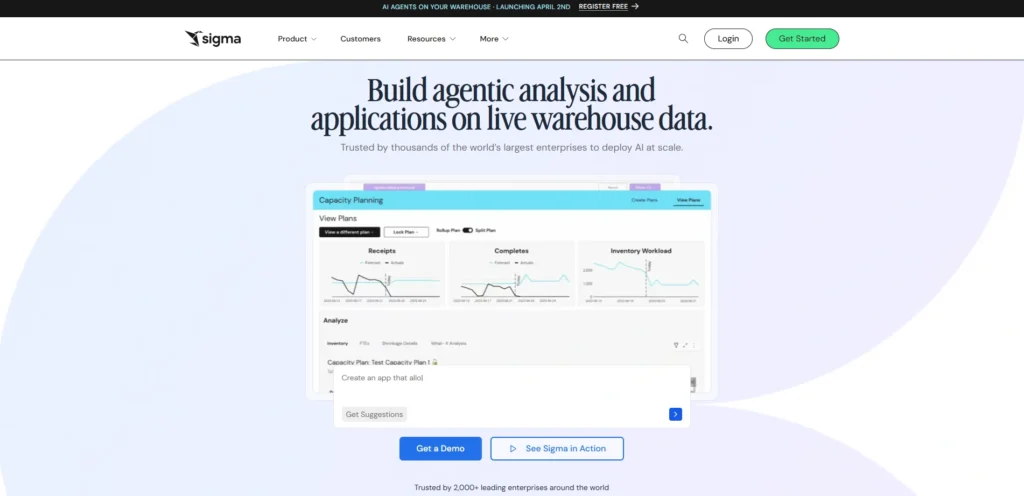
Sigmic Computing is a cloud-based analytics solution that is created to provide a simplified data exploration to business people. It was created by Sigma Computing and provides a spreadsheet like experience that enables users to process data in the cloud data warehouses without having to write sophisticated code.
Sigma allows teams to execute queries, build dashboards and work on analytics projects right in the browser, with Sigma, making it a powerful data analytics software.
The platform is linked with such popular cloud platforms like Snowflake, Google BigQuery, and Amazon Redshift. Business companies rely on Sigma Computing to democratize access to data, promote collaboration, and enable workers to analyze information autonomously to obtain faster insights.
Key Features:
- Spreadsheet-style analytics interface
- Cloud data warehouse integration
- Collaborative browser-based data analysis
- SQL query automation capabilities
- Interactive dashboards and reporting
- Secure data governance controls
Pros:
- Familiar spreadsheet-style user interface
- Easy adoption for business users
- Strong cloud data warehouse integration
- Real-time collaborative analytics environment
- No heavy local software installation
Cons:
- Limited advanced visualization features
- Dependent on cloud data warehouses
- Fewer advanced AI analytics capabilities
Pricing:
- Contact sales
3. Google Looker
Website: https://cloud.google.com/looker?hl=en
Looker is a modern cloud-based data analytics and business intelligence solution that Google owns under Google Cloud. The platform helps organizations to explore, analyze, and visualize vast datasets that are stored in cloud data warehouses.
The modeling language employed by Looker is named LookML which enables teams to create coherent data measures and connection among reports. The strategy guarantees consistency in analytics and interdepartmental insights. Looker also embraces embedded analytics, which enables businesses to incorporate dashboards into applications.
Having a robust connection with BigQuery and other clouds, Looker assists organizations to provide a scalable, collaborative and real-time data analysis throughout the organization.
Key Features:
- LookML data modeling language
- Cloud-native analytics architecture
- Embedded analytics for applications
- Integration with Google BigQuery
- Real-time collaborative data exploration
- Centralized data governance framework
Pros:
- Strong integration with Google Cloud
- Consistent metrics across analytics teams
- Highly scalable for enterprise environments
- Excellent embedded analytics capabilities
- Powerful data modeling flexibility
Cons:
- Requires technical expertise for modeling
- Higher cost for smaller organizations
- Limited offline analytics capabilities
Pricing:
- Contact sales
4. Qlik Sense
Website: https://www.qlik.com/us/products/qlik-sense
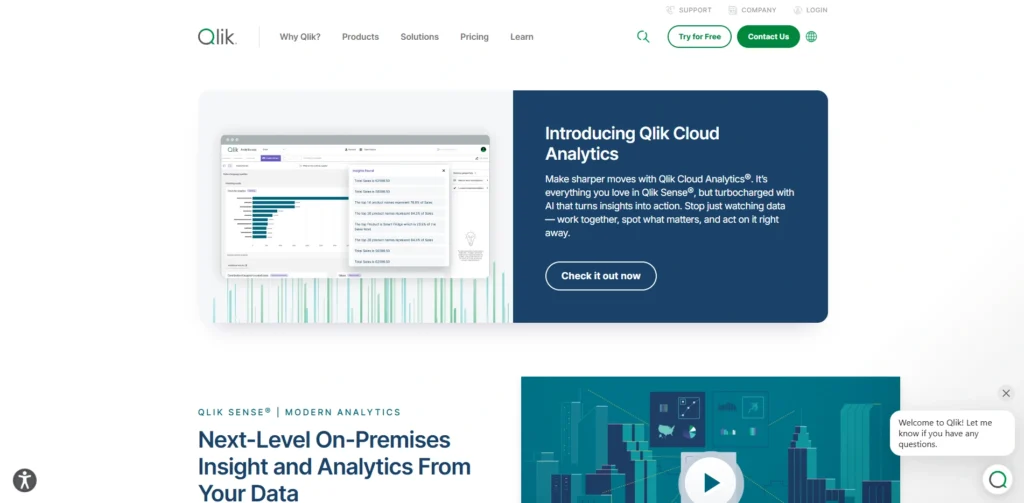
Qlik Sense is a progressive data analytics and business intelligence system created by Qlik. It has a form of associative analytics engine that enables users to investigate the connections between various datasets without a defined query. The technology assists in revealing the concealed insights and trends on the complex data environments, making it a powerful data analytics software.
Qlik Sense provides interactive dashboards, self-service data visualization capabilities, and AI-driven analytics options that help users to find trends in a short period. The platform is compatible with both on-premise and cloud deployments, which makes it appropriate to organizations with varying infrastructure requirements.
Businesses use Qlik Sense to process operational data, track performance measures and empower employees working in different departments to make quicker decisions based on data.
Key Features:
- Associative analytics data engine
- Self-service interactive dashboards
- AI-powered insight suggestions
- Natural language data search
- Real-time data integration tools
- Flexible cloud and on-premise deployment
Pros:
- Powerful data discovery capabilities
- Flexible deployment options available
- Strong AI-driven analytics features
- Effective large dataset processing
- Rich visual analytics environment
Cons:
- Learning curve for new users
- Expensive enterprise licensing plans
- Dashboard customization can be complex
Pricing:
- Starter– $300/mo
- Standard– $825/mo
- Premium– $2,750/mo
5. IBM Cognos Analytics
Website: https://www.ibm.com/products/cognos-analytics
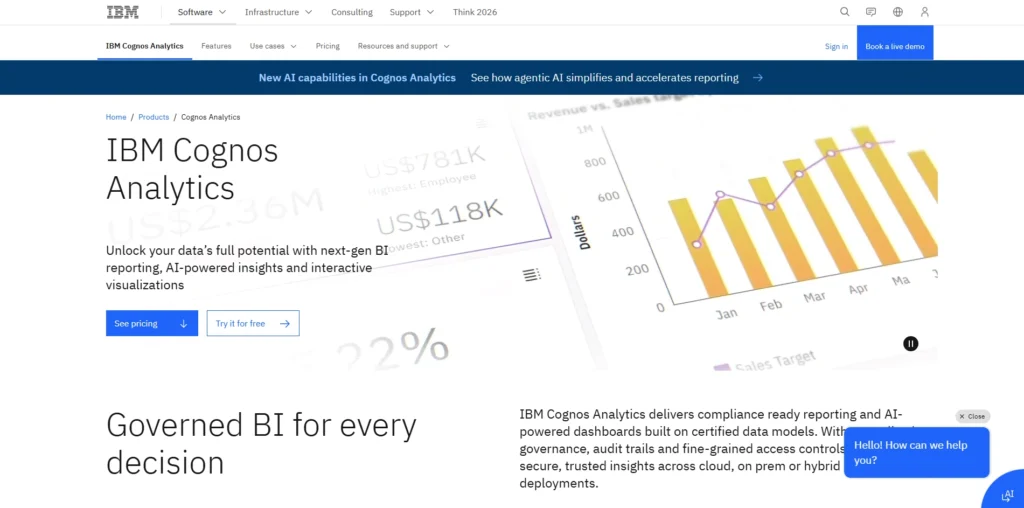
IBM Cognos Analytics is an end-to-end business intelligence and analytics system created by IBM. The software offers a robust reporting, data visualization, and dashboard solution that is aimed at aiding organizations to organize vast amounts of data.
Cognos Analytics also integrates the capabilities of artificial intelligence to spontaneously provide recommendations and draw trends on datasets. Users have the ability to create interactive reports, manage data models and create visual dashboards that monitor business performance in real time.
Enterprise level data governance and security is also supported by the platform. Cognos Analytics are required by many big organizations to provide consistent reporting, enhance strategic planning, and allow data-driven decision-making across the departments.
Key Features:
- AI-assisted analytics and reporting
- Advanced dashboard creation tools
- Automated data preparation features
- Enterprise reporting and scheduling
- Secure data governance framework
- Interactive visual analytics environment
Pros:
- Strong enterprise security controls
- Comprehensive reporting functionality
- AI-driven insight discovery features
- Scalable enterprise analytics solution
- Reliable performance for large organizations
Cons:
- Complex setup and configuration
- Requires training for new users
- Higher enterprise licensing costs
Pricing:
- Standard– $11.25 USD
- Premium– $44.90 USD
Suggested Read:
6. SAS Viya
Website: https://www.sas.com/en_us/software/viya.html#content-wrapper
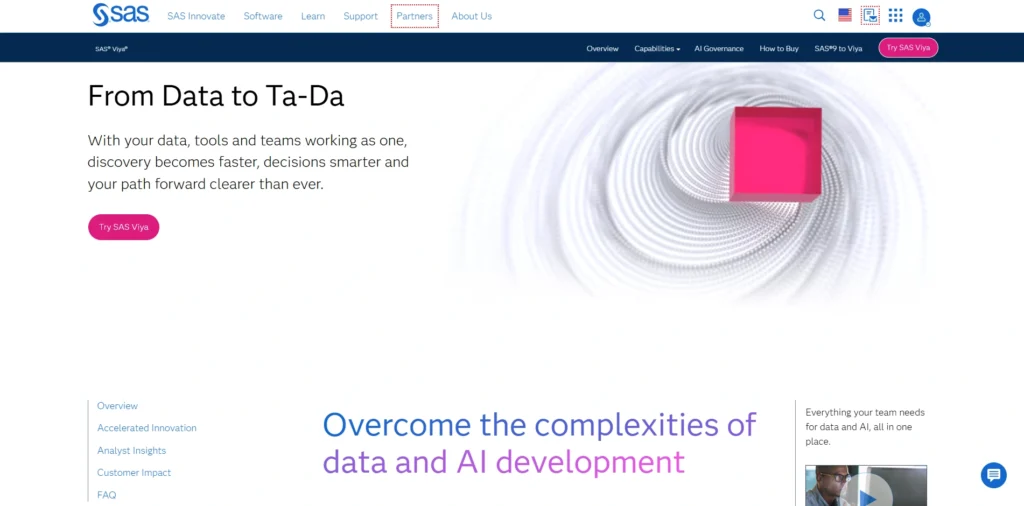
SAS Viya is a cloud-native analytics platform that is created by SAS Institute and that integrates advanced analytics, machine learning, and artificial intelligence, making it a powerful data analytics software. It enables organisations to work with massive amounts of data, and to carry out predictive modelling, statistical analysis and automatic decision-making.
SAS Viya also provides scalable deployment to both cloud and hybrid environments allowing enterprises to effectively meet complex workloads in analytics. The platform offers an effective data visualization application, model administration, and work team data researcher and analysts environments.
The financial, healthcare, and government industries are among other industries that are using SAS Viya to establish patterns, predict trends, and create actionable information that enhances operational performance.
Key Features:
- Advanced predictive analytics engine
- AI and machine learning tools
- Cloud-native analytics architecture
- Scalable statistical data modeling
- Automated model deployment workflows
- Collaborative analytics environment
Pros:
- Powerful statistical analysis capabilities
- Enterprise-grade analytics performance
- Advanced AI and machine learning
- Highly scalable cloud infrastructure
- Reliable platform for complex analytics
Cons:
- Expensive enterprise licensing model
- Requires experienced analytics professionals
- Complex implementation for small teams
Pricing:
- Request Pricing
7. ThoughtSpot
Website: https://www.thoughtspot.com/
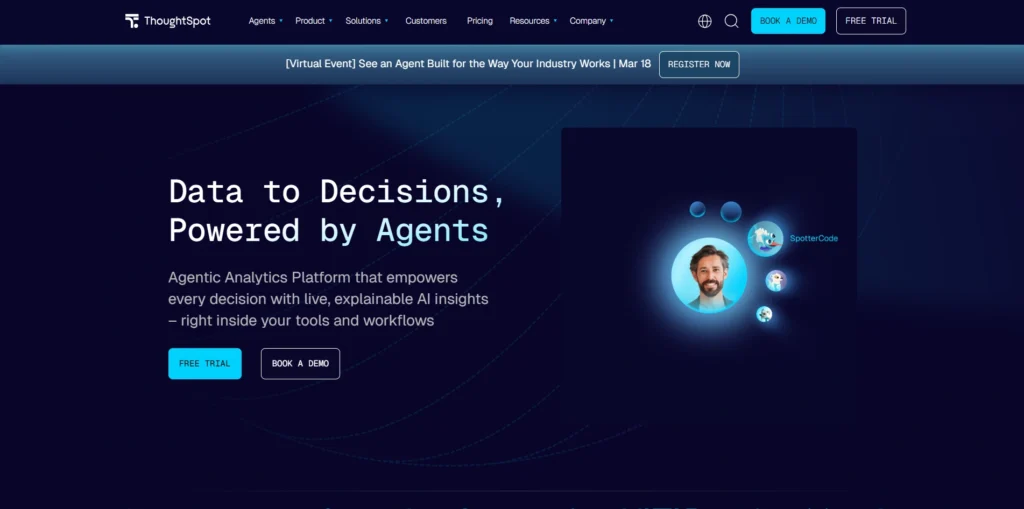
ThoughtSpot is an advanced analytics application that aims at streamlining the process of data exploration by ensuring search-based analytics. ThoughtSpot developed the software which enables users to query data in natural language rather than using complex dashboards or codes.
By using an AI-based analytics engine, it produces charts and insights in large datasets in real-time, which makes the process of data analysis accessible to non-technical users. ThoughtSpot is also integrated with common cloud data solutions including SnowFlake, Databricks, and Google BigQuery that enable businesses to be able to analyze data straight out of the current data warehouse.
ThoughtSpot is used by organizations to give employees self-service analytics and promote better and faster decision-making by teams.
Key Features:
- Search-driven analytics interface
- AI-powered insight generation
- Natural language data queries
- Cloud data warehouse integration
- Embedded analytics for applications
- Real-time dashboard visualizations
Pros:
- Extremely user-friendly analytics search
- Enables non-technical data exploration
- Fast insight generation capabilities
- Strong modern cloud integrations
- Powerful AI analytics automation
Cons:
- Expensive enterprise-focused pricing
- Limited advanced visualization customization
- Requires cloud data warehouse setup
Pricing:
- Essentials– $25 per user / per month (billed annually)
- Pro– $50 per user / per month (billed annually)
8. TIBCO Spotfire
Website: https://www.spotfire.com/
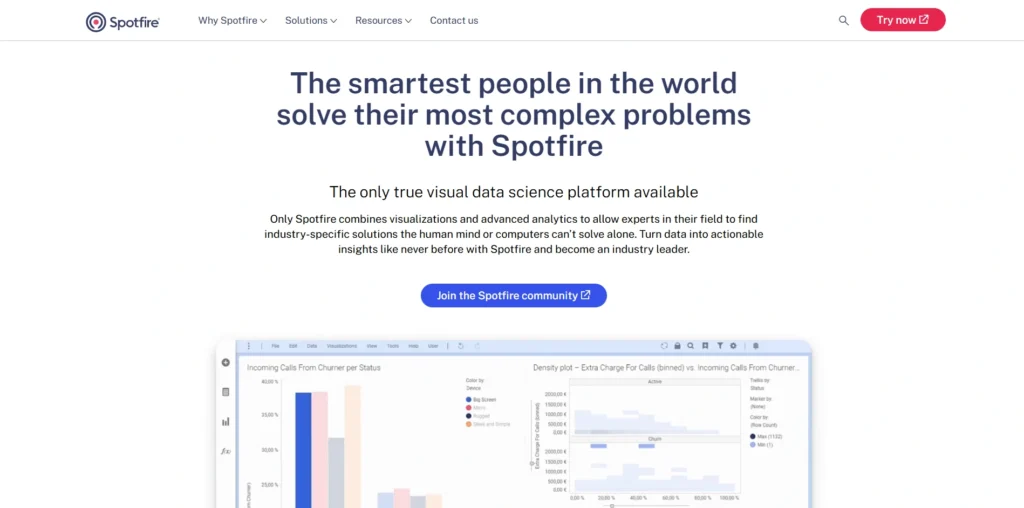
TIBCO Spotfire is a powerful data analytics and visualization platform developed by TIBCO Software, widely used as a data analytics software solution. The platform enables organizations to analyze complex datasets through interactive dashboards, predictive analytics tools, and real-time data streaming capabilities.
Spotfire provides advanced visualization features that help analysts identify trends, correlations, and anomalies within large datasets. It also integrates artificial intelligence and machine learning features to automate insight discovery.
Businesses across industries such as energy, healthcare, and finance rely on Spotfire to monitor operations, optimize processes, and support strategic planning with data-driven insights generated from real-time and historical information.
Key Features:
- Advanced data visualization tools
- Real-time streaming analytics capabilities
- Predictive analytics model integration
- Interactive dashboard development tools
- AI-driven pattern discovery features
- Scientific and operational analytics tools
Pros:
- Excellent advanced analytics capabilities
- Strong support for scientific analysis
- Real-time data processing features
- Highly customizable visualization environment
- Powerful predictive analytics tools
Cons:
- Complex interface for beginners
- Higher cost enterprise solution
- Requires technical analytics expertise
Pricing:
- Contact sales
9. Alteryx
Website: https://www.alteryx.com/
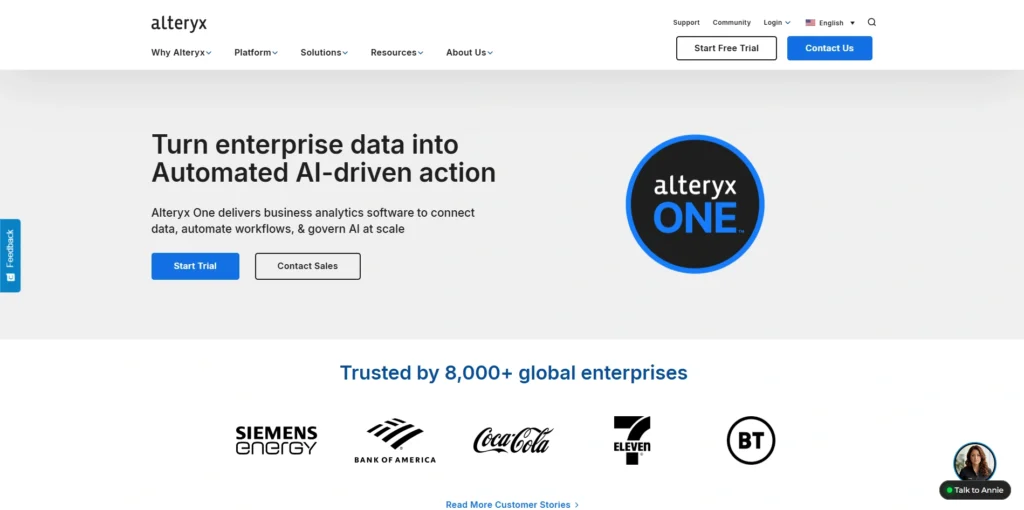
Alteryx is a self-service data analytics software designed to simplify data preparation, blending, and advanced analytics workflows. Developed by Alteryx, the platform provides a low-code interface that allows analysts to build automated data pipelines without extensive programming knowledge.
Users can combine data from multiple sources, clean datasets, and perform predictive analytics through visual workflows. Alteryx also includes machine learning and geospatial analytics capabilities that enable deeper insights into business data.
Organizations use Alteryx to accelerate analytics processes, automate repetitive data tasks, and empower teams to generate insights faster for improved operational and strategic decision-making.
Key Features:
- Automated data preparation workflows
- Drag-and-drop analytics builder
- Predictive modeling capabilities
- Geospatial analytics functionality
- Machine learning model integration
- Automated analytics pipeline creation
Pros:
- Simplifies complex data preparation
- Strong automation for analytics workflows
- No-code or low-code environment
- Powerful predictive analytics features
- Efficient large dataset processing
Cons:
- Expensive licensing for enterprises
- Limited visualization compared to BI tools
- Requires computing resources for heavy workflows
Pricing:
Starter Edition– $250 USD user / month | billed annually
10. Snowflake
Website: https://www.snowflake.com/en/
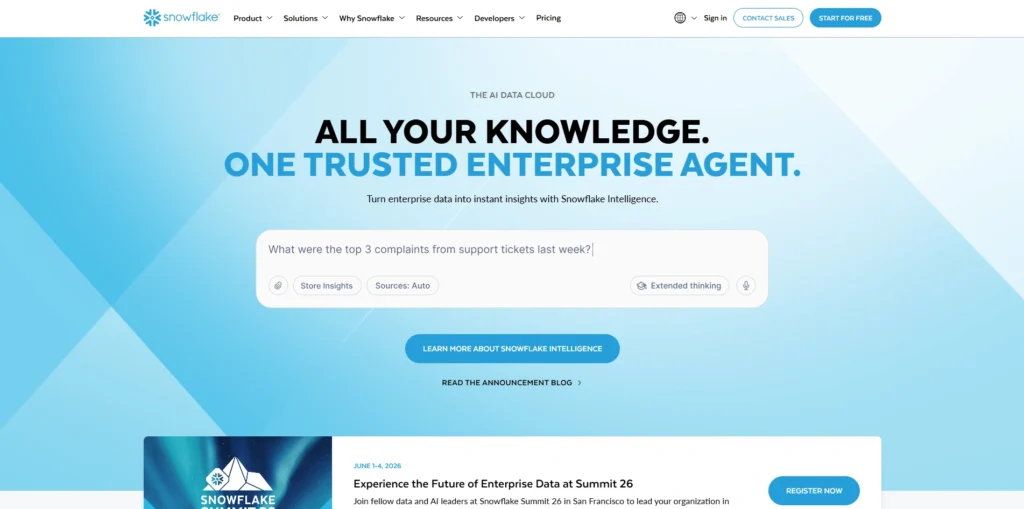
Snowflake is a cloud-based data analytics platform designed for large-scale data storage, processing, and analytics. Developed by Snowflake Inc., it allows organizations to analyze massive datasets using high-performance cloud computing infrastructure.
Snowflake supports structured and semi-structured data, enabling businesses to run complex queries and perform advanced analytics efficiently. The platform also enables secure data sharing between organizations and integrates easily with popular analytics tools such as Tableau and Power BI.
Companies rely on Snowflake to build modern data ecosystems, improve collaboration across data teams, and generate valuable insights from rapidly growing enterprise data sources.
Key Features:
- Cloud-based data warehouse platform
- Scalable data processing architecture
- Secure cross-organization data sharing
- Support for structured and semi-structured data
- High-performance SQL analytics queries
- Integration with BI analytics tools
Pros:
- Extremely scalable cloud infrastructure
- High-performance query processing
- Strong security and governance features
- Easy integration with analytics tools
- Reliable enterprise data platform
Cons:
- Costs increase with heavy usage
- Requires SQL knowledge for analytics
- Complex architecture for beginners
Pricing:
- Standard– $2.00/ per credit ($USD)
- Enterprise– $3.00/ per credit ($USD)
- Business Critical- $4.00/ per credit ($USD)
11. Databricks
Website: https://www.databricks.com/
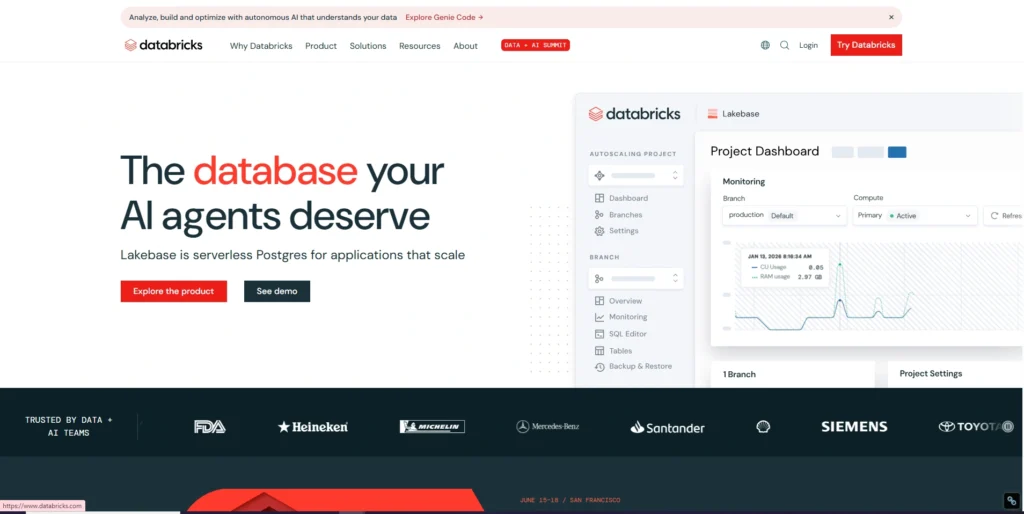
Databricks is a unified analytics platform that combines data engineering, machine learning, and business analytics in a single environment. Founded by the creators of Apache Spark and developed by Databricks, the platform supports large-scale data processing through its lakehouse architecture.
Databricks allows organizations to store, analyze, and process massive datasets efficiently while enabling collaboration between data scientists, engineers, and analysts.
The platform integrates with cloud providers such as AWS, Azure, and Google Cloud, making it highly scalable. Businesses use Databricks to build AI models, analyze big data, and create advanced analytics applications.
Key Features:
- Unified data lakehouse architecture
- Apache Spark-based analytics engine
- Machine learning development environment
- Collaborative notebook analytics workspace
- Large-scale big data processing
- Integration with major cloud providers
Pros:
- Ideal for large-scale data processing
- Powerful AI and machine learning tools
- Strong collaboration for data teams
- Highly scalable cloud infrastructure
- Supports advanced big data workloads
Cons:
- Complex setup for beginners
- Requires technical data engineering skills
- Higher cost for enterprise deployments
Pricing:
- Contact sales
12. Domo
Website: https://www.domo.com/
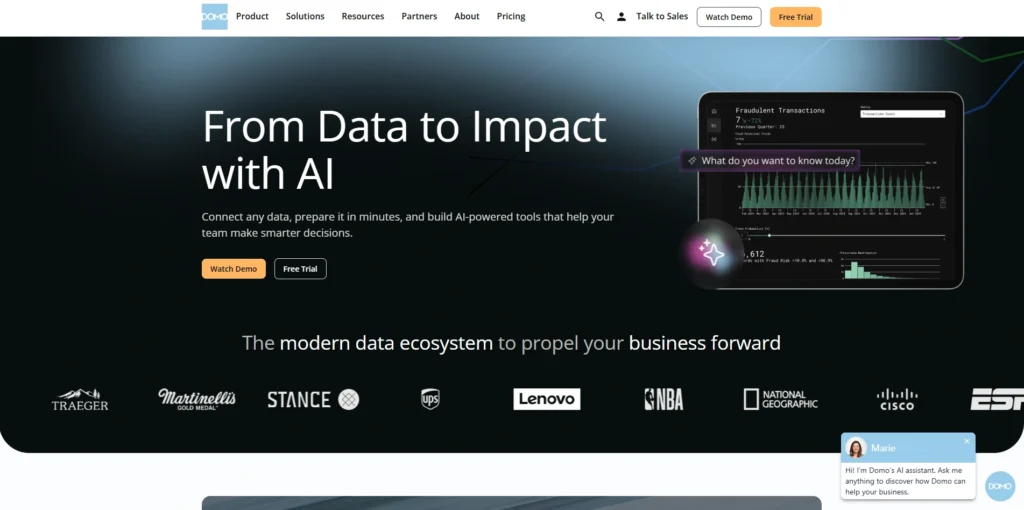
Domo is a cloud-based business intelligence and analytics platform developed by Domo Inc., making it a powerful data analytics software. It enables organizations to integrate data from hundreds of sources and transform it into real-time dashboards and reports.
Domo provides automated data pipelines, interactive visualization tools, and collaboration features that allow teams to analyze information collectively. The platform also offers mobile analytics capabilities so executives and managers can monitor key performance indicators from anywhere.
Businesses use Domo to unify data from multiple systems, improve operational transparency, and enable faster data-driven decisions across departments and leadership teams.
Key Features:
- Real-time business intelligence dashboards
- Data integration from multiple sources
- Automated data pipeline management
- Mobile analytics and reporting
- Collaboration and alerting tools
- Custom app development platform
Pros:
- Excellent real-time analytics features
- Strong mobile analytics support
- Easy integration with many data sources
- Simple dashboard sharing capabilities
- Good business monitoring tools
Cons:
- Higher pricing for advanced plans
- Limited customization compared to competitors
- Requires data preparation for complex analysis
Pricing:
- Contact sales
13. Sisense
Website: https://www.sisense.com/
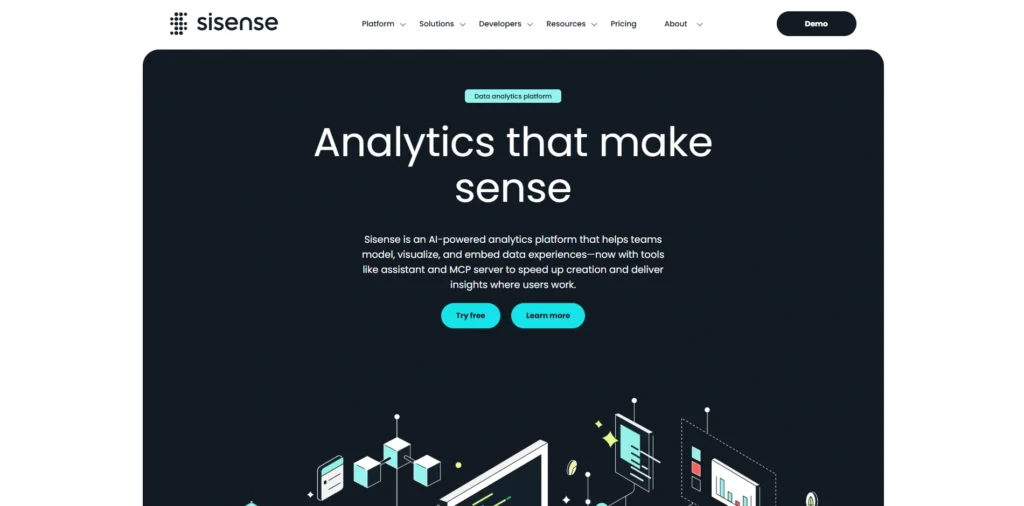
Sisense is a powerful analytics platform designed to help organizations build interactive dashboards and embedded analytics applications.
Developed by Sisense, the platform uses in-chip processing technology that allows it to analyze large datasets quickly. Sisense enables developers and analysts to integrate analytics directly into business applications, providing users with insights within their existing workflows.
The platform also includes artificial intelligence capabilities that automatically detect trends and anomalies in data. Organizations use Sisense to deliver customized analytics experiences, support data-driven products, and make complex information accessible to both technical and non-technical users.
Key Features:
- Embedded analytics platform capabilities
- In-chip data processing technology
- Interactive dashboard development tools
- AI-driven analytics insights engine
- API-based analytics integration tools
- Customizable data visualization framework
Pros:
- Ideal for embedded analytics solutions
- Handles large datasets efficiently
- Flexible API integration capabilities
- Powerful analytics customization features
- Strong performance optimization technology
Cons:
- Requires technical configuration skills
- Premium pricing for enterprises
- Limited built-in templates for beginners
Pricing:
- Launch– $399/month
- Grow– $1,299/month
14. Microsoft Power BI
Website: https://www.microsoft.com/en-us/power-platform/products/power-bi/
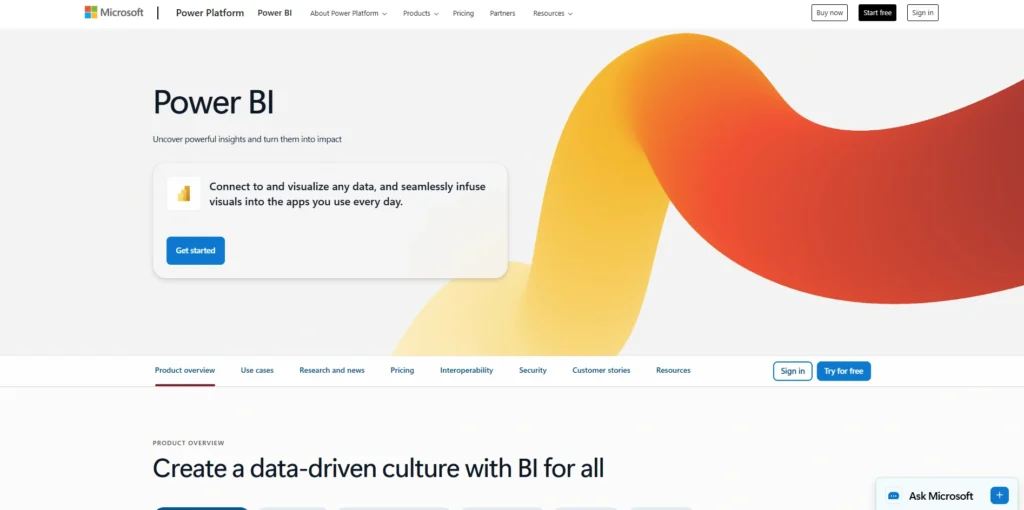
Microsoft Power BI is a powerful business intelligence and data analytics software developed by Microsoft that helps organizations convert raw data into meaningful insights.
The platform provides interactive dashboards, advanced data modeling tools, and seamless integration with applications such as Excel, Azure, and Microsoft Teams. Power BI enables users to connect to hundreds of data sources, clean and transform information, and build visually rich reports that can be shared across teams.
Its AI-powered features and natural language query capabilities allow users to explore data easily without extensive technical expertise. Businesses use Power BI to track key metrics, improve decision-making, and create a culture driven by data insights.
Key Features:
- Interactive dashboards and visual reports
- Integration with Microsoft ecosystem
- Natural language query functionality
- AI-driven analytics and insights
- Custom data modeling capabilities
- Extensive cloud and on-premise connectivity
Pros:
- Affordable pricing compared to competitors
- Seamless integration with Microsoft products
- Easy report sharing across teams
- Frequent feature updates and improvements
- Large global user community
Cons:
- Limited customization in basic plans
- Requires Microsoft environment for best results
- Performance slows with extremely large datasets
Pricing:
- Power BI Pro– $14.00 user/month, paid yearly
- Power BI Premium Per User– $24.00 user/month, paid yearly
15. Tableau
Website: https://www.tableau.com/
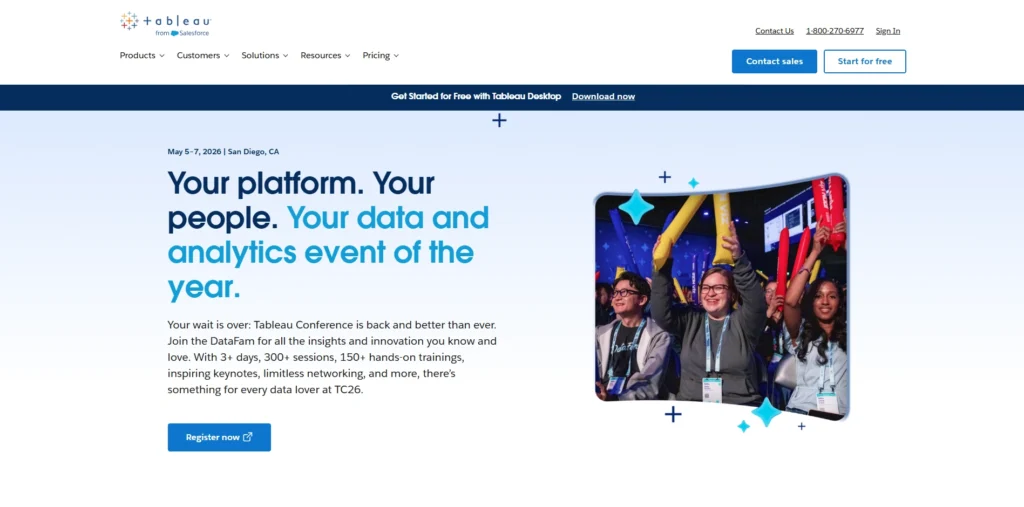
Tableau is a leading data analytics and visualization platform widely used by organizations to transform complex datasets into interactive dashboards and reports. Developed by Tableau and later acquired by Salesforce, the platform helps analysts and business users explore data through intuitive drag-and-drop tools.
Tableau connects easily to spreadsheets, databases, and cloud services, allowing teams to analyze real-time information from multiple sources. Its advanced visualization capabilities, predictive analytics features, and AI-driven insights help users identify patterns and trends quickly.
Businesses rely on Tableau to support strategic planning, monitor performance metrics, and communicate insights clearly across departments through visually compelling dashboards and collaborative analytics tools.
Key Features:
- Drag-and-drop data visualization tools
- Interactive dashboards and reports
- Real-time data analytics capabilities
- Integration with multiple data sources
- AI-powered analytics with Tableau GPT
- Mobile analytics and collaboration features
Pros:
- Highly intuitive visualization interface
- Powerful interactive dashboard capabilities
- Extensive integration with databases
- Strong community and learning resources
- Suitable for enterprise-level analytics
Cons:
- Higher pricing for advanced plans
- Complex features for beginners initially
- Requires powerful hardware for large datasets
Pricing:
- Tableau Standard– $15
- Tableau Enterprise– $35
Ending Thoughts
Data analytics software has become an essential tool for modern organizations seeking to make informed, data-driven decisions. By transforming large volumes of raw data into clear insights, these platforms help businesses understand trends, monitor performance, and uncover new opportunities for growth. Solutions such as Tableau, Microsoft Power BI, and Qlik Sense provide powerful visualization, reporting, and predictive analytics capabilities that simplify complex data analysis.
Whether used by small businesses or large enterprises, data analytics platforms enable teams to collaborate, identify patterns, and improve operational efficiency. As organizations continue to generate massive amounts of information, investing in a reliable data analytics platform will remain crucial for maintaining competitiveness, improving strategies, and achieving long-term success in an increasingly data-driven business environment.
FAQs
1. What Is Data Analytics Platforms Used For?
A data analytics platform is used to collect, process, analyze, and visualize data to help businesses make informed decisions.
2. Who Uses Data Analytics Tools?
It is commonly used by business analysts, data scientists, marketers, finance teams, and organizations that rely on data-driven insights.
3. Is Data Analytics Software Suitable For Small Businesses?
Yes, many platforms offer scalable solutions that allow small businesses to analyze data and gain valuable insights without complex infrastructure.
4. What Types Of Data Can Analytics Software Analyze?
It can analyze structured and unstructured data from sources like databases, spreadsheets, cloud platforms, and business applications.
5. Do I Need Coding Skills To Use Data Analytics Software?
Not always. Many modern tools offer user-friendly dashboards and drag-and-drop features that allow non-technical users to analyze data easily.