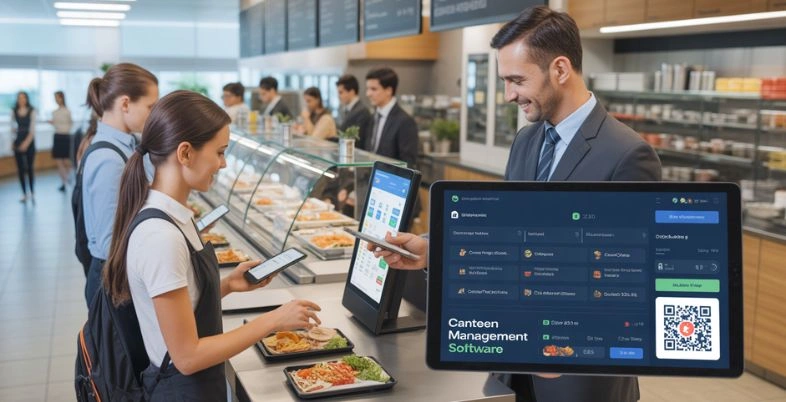
Running a canteen is no longer about serving food on time but about speed, precision, and smooth running. As demand increases in schools, offices, hospitals, and factories, the manual system tends to cause long queues, billing mistakes, and stock mismanagement. It is in this case that canteen management software is a game changer. The correct software enables canteens to work smarter and faster, whether it involves automating orders and payments or tracking inventory and sales.
You may have a small food counter or a large institutional kitchen, but you can save time, spend less, and please the customer by selecting from the top 10 canteen management system. Before making a choice, let us discuss the kinds of canteen management tools in the market and what is really important.
Important Features to Consider In Canteen Management Software
- Order & Billing Management: An effective system must facilitate quick order handling, online billing, and a variety of payment methods to minimize queues and enhance customer service at the busiest times.
- Inventory & Stock Control: Real-time inventory tracking avoids shortages and wastage through monitoring the use of ingredients, stock quantities, and automatic notifications on time to take stock.
- User-Friendly Interface: Staff and administration must be able to use the software easily with minimal training and without difficulty during the daily running of operations.
- Reporting & Analytics: Extensive sales records, day-to-day recaps, and consumption patterns enable the managers to make sound decisions and enhance profitability.
- Cloud Access & Data Security: It is secure, guarantees data safety, backups, and remote monitoring to ensure that managers can control operations anywhere, all the time.
Why Canteen Management Software Matters For Streamlined And Accurate Management?
- Streamlines Everyday Business: Canteen management system unites all the daily activities in a single system, e.g., processing of orders, billing, and stock control. This will lower the reliance on manual work and will result in smoother operations during peak hours.
- Improves Billing Accuracy: Automated billing reduces the number of human errors in pricing, calculations, and payment processing. It will guarantee proper invoices, quicker checkouts, and enhanced customer and management transparency.
- Enhances Inventory Control: The software monitors the use of the stock in real time, and it assists in preventing overstocking, shortages, and wastage of food. Timely restocking and improved resource planning are supported through automated alerts.
- Saves Time and Labor: The automation of repetitive tasks will allow the staff to focus more on service quality rather than paperwork. This enhances productivity and delays operations.
- Promotes Evidence-Based Action: Comprehensive sales, consumption, and peak hours reports enable managers to make sound decisions that enhance efficiency and profitability.
List of Top 10 Canteen Management Software
1. Sodexo Canteen Management
Website: https://www.sodexo.in
Sodexo Canteen management assists major organizations with the smooth running of food operations. It allows cashless payments, meal planning, billing, and reporting with a single system.
The software saves manpower and enhances the velocity of services in the corporate offices, hospitals, and campuses. Under real-time data and centralized control, canteen managers can know how it is used, control costs, and keep food quality. It is most appropriate for large-scale and enterprise-level canteens.
Key Features
- Digital billing and cashless transactions
- Meal planning and scheduling
- Real-time sales and inventory reports
- Customer feedback and analytics
- Centralized control for multi-location operations
Pros
- Strong enterprise support
- Reduces manual errors
- Good reporting tools
- Improves service speed
Cons
- May be expensive for small canteens
- Requires training for staff
- Not ideal for simple basic needs
Pricing
- Connect with the team
2. Compass Group Canteen Software
Website: https://compass-group.co.in/automation/
The Compass Group Canteen Software is an Order Management and canteen management software aimed at food service in large volumes. It assists in ordering, payment, menu management, and working processes. The system is aimed at increasing the speed of service, and errors are minimized during peak hours.
It is mostly applied in corporate offices, institutions, and industrial arrangements where precision and consistency are important. The software assists in the organized running of the business and ensures the smooth running of the canteen on a day-to-day basis.
Key Features
- Efficient order and payment processing
- Menu management
- Operational workflow automation
- Daily sales analytics
- Support for large food service environments
Pros
- Designed for high-traffic cafeterias
- Improves order accuracy
- Strong workflow integrations
- Reliable performance
Cons
- Not simple for very small operations
- Higher cost for premium features
- May need technical setup
Pricing
- Connect with the team
3. eZee Optimus
Website: https://www.ezeeoptimus.com
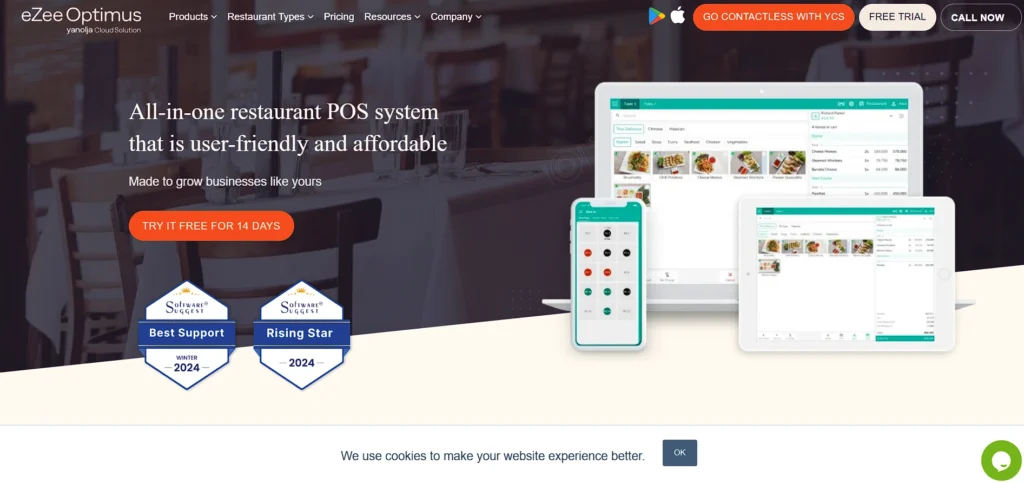
eZee Optimus is a versatile food service and POS that can be used in cafeterias and canteens. It handles billing, taking orders, inventory, and daily sales reports. The system is user-friendly and assists in eliminating mistakes in billing and waiting lines.
Managers can use easy-to-follow dashboards and reports to monitor the performance and stock usage. It is suitable for small- to medium-sized canteens that require quality day-to-day functions.
Key Features
- Integrated POS system
- Order and billing management
- Inventory tracking
- Sales and performance dashboards
- User-friendly interface
Pros
- Easy to use for staff
- Accurate billing
- Good reporting tools
- Suitable for small and medium canteens
Cons
- Limited advanced features
- The cloud version may cost extra
- Support is dependent on the vendor
Pricing:
- Basic Plan: $41 per month per outlet (billed yearly)
- Standard Monthly Price: $45 per month per outlet
- Advanced Plan: $54 per month per outlet (billed yearly)
- Standard Monthly Price (Advanced): $60 per month per outlet
4. Kanpla
Website: https://kanpla.io
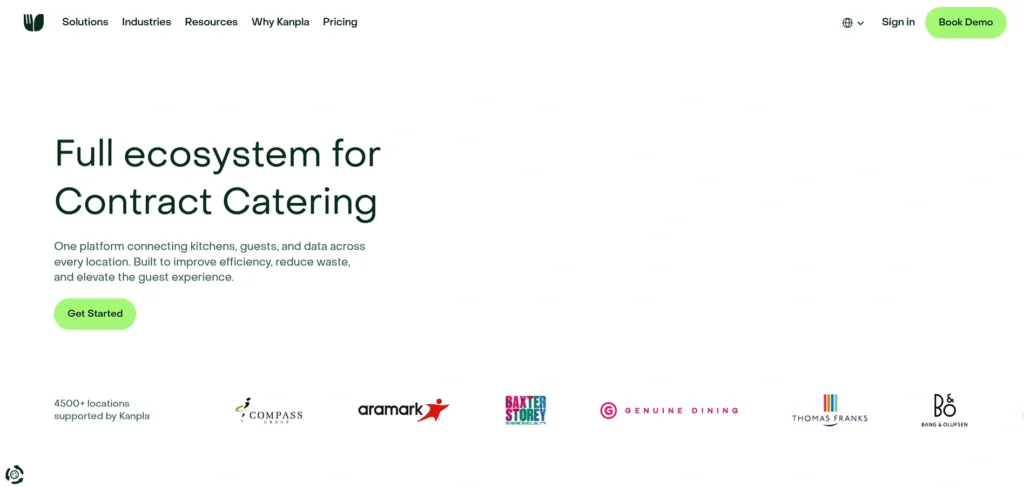
Kanpla is a new digital canteen management software and service that integrates kitchen business with online ordering, POS, and Business Cards. It enables customers to pre-order food, manage menus, and analyze food consumption habits.
The software is used to minimize food waste and enhance customer experience by serving them quickly. It would be best in offices and institutions that desire intelligent, technology-based dining options with real-time analytics and flexible configuration.
Key Features
- Digital ordering and menus
- Analytics and reports
- Loyalty and guest engagement
- POS integration
- Waste reduction tools
Pros
- Modern digital experience
- Reduces food waste
- Improves customer engagement
- Good analytics
Cons
- Takes time to set up
- May be complex for beginners
- Pricier than basic tools
Pricing
- Connect with the team
5. Violet
Website: https://www.violetlms.com/
Violet is dedicated to streamlining the canteen processes with the help of digital processes. It assists in controlling orders, payments, and day-to-day transactions. The software will cut off the reliance on manual operation and help provide quicker services when the business is in its busy times.
Violet fits in organizations that want to have a clean and simple system to maintain cafeteria operations in an uncomplicated manner. It enhances transparency and assists in ensuring the uniform quality of services in the course of operations.
Key Features
- Order processing automation
- Accurate transaction records
- Simple interface
- Queue management
- Basic reporting
Pros
- Easy to adopt
- Reduces manual work
- Faster service
- Affordable for small operations
Cons
- Limited advanced features
- Not ideal for multi-location
- Basic analytics only
Pricing
- Connect with the team
6. Space Basic
Website: https://www.spacebasic.com
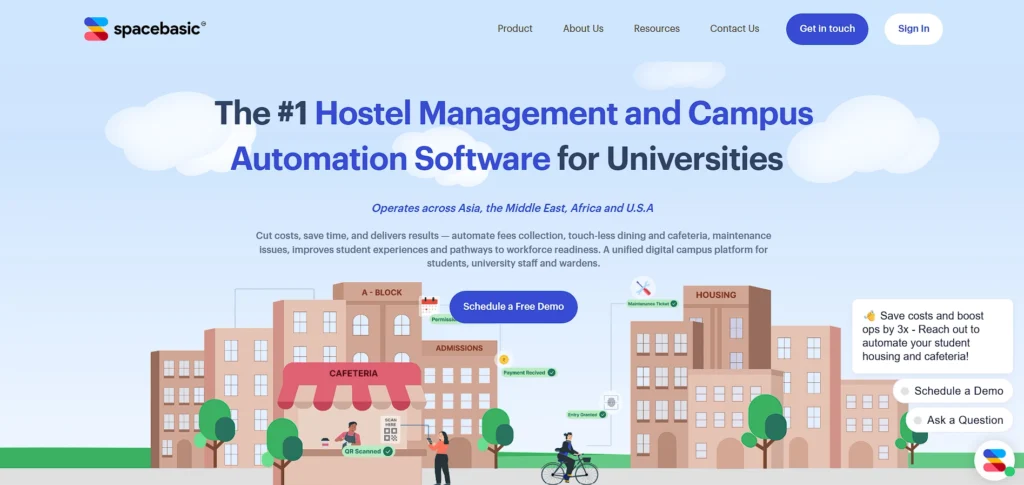
Space Basic is a cloud-based canteen management software that is targeted to schools, colleges, and offices. It supports digital ordering, cashless payments, menu management, and inventory tracking.
It is also online, and managers are able to follow the operations anywhere. The platform helps minimize long queues and human errors while improving control of daily food services. It is easily scalable and suitable for growing institutions.
Key Features
- Cloud-based system
- Cashless payments
- Menu and inventory control
- Remote monitoring
- Order tracking
Pros
- Access from anywhere
- Scales easily
- Reduces queue time
- Real-time monitoring
Cons
- Reliant on internet connection
- Cloud may cost extra.
- Some features are limited in the basic plan.
Pricing:
- Connect with the team
7. FaceIT Systems CMS
Website: https://faceitsystems.com/
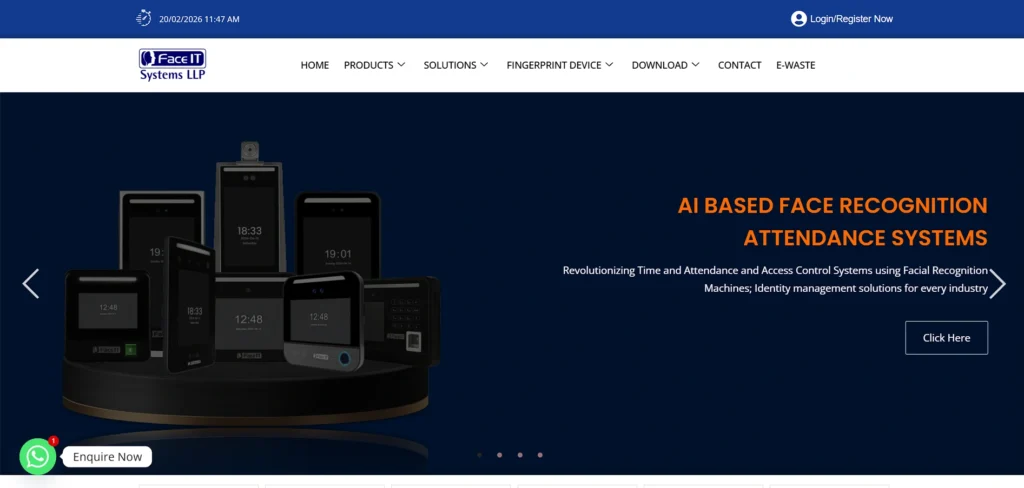
FaceIT Systems CMS is an intelligent canteen management program that has secure access and automation. It allows ordering meals, billing, and maintaining inventories with digital and biometric functions.
The system saves time and prevents mistakes by removing manual entries. It is best suited for corporate offices and industrial canteens in need of secure, quick, and precise management of meals with less staff intervention.
Key Features
- Biometric meal access
- Automated billing
- Inventory control
- Secure data management
- Custom reporting
Pros
- High security
- Reduces billing errors
- Fast meal processing
- Good for large teams
Cons
- Setup cost higher
- Training required
- Not ideal for small canteens
Pricing:
- Connect with the team
8. SwilERP Canteen Software
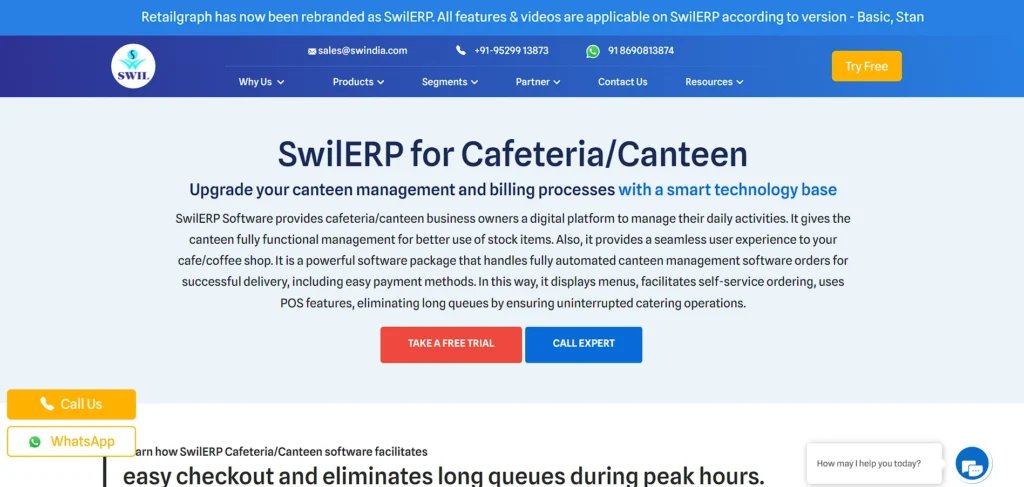
Website: https://www.swindia.com/product/canteen-management-software
SwilERP canteen management software assists in billing, stocks, and daily sales in cafeterias. It provides POS functions, inventory management, and reporting to ease operations. The system is appropriate for small to medium-sized canteens that require stable billing and stock tracking. It is used to save time and minimize errors by automating routine tasks. It is user-friendly and facilitates easy day-to-day operations.
Key Features
- POS billing
- Daily sales reports
- Inventory tracking
- Customer records
- Easy interface
Pros
- Simple to use
- Saves time
- Good for small canteens
- Affordable
Cons
- Basic functionality
- Limited scalability
- Fewer advanced analytics
Pricing
- Connect with the team
Suggested Read:
9. Dyne Cafeteria Management
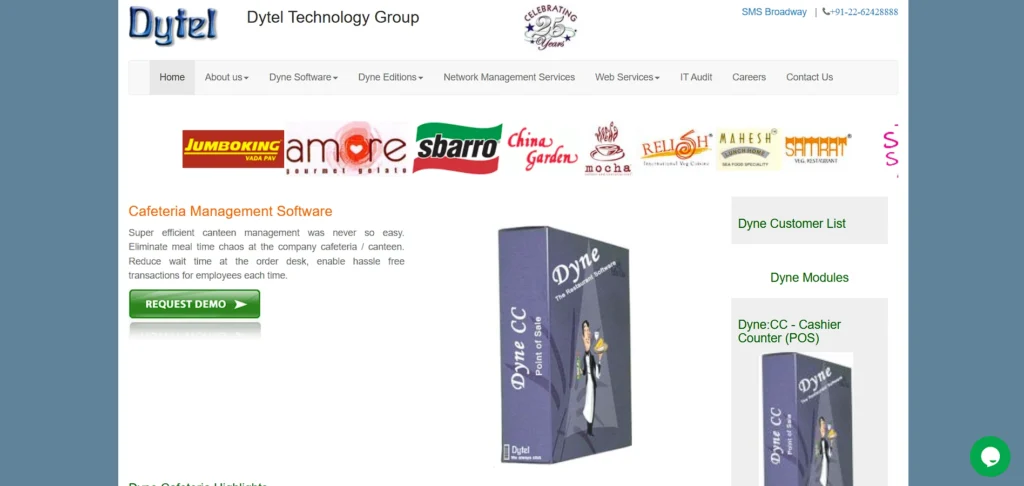
Website: https://www.dytelworld.com/cafeteria-management-software.aspx
Dyne Cafeteria management is a cashless canteen system solution for big organizations. It accepts employee cards or online payments for quick payments and expedited checkouts. The software will make waiting time minimal and enhance the accuracy of transactions.
Through extensive analytics and reporting, the managers would be able to monitor the consumption patterns and manage costs. It is optimal in workplaces that are characterized by large daily meal volumes.
Key Features
- Cashless payment cards
- Fast checkout
- Analytics dashboards
- Usage tracking
- Employee integration
Pros
- Speeds up service
- Reduces wait times
- Good for large groups
- Easy tracking
Cons
- Card system setup may cost
- Not ideal for small setups
- Limited menu tools
Pricing:
- Connect with the team
10. Mantratec Canteen Management System
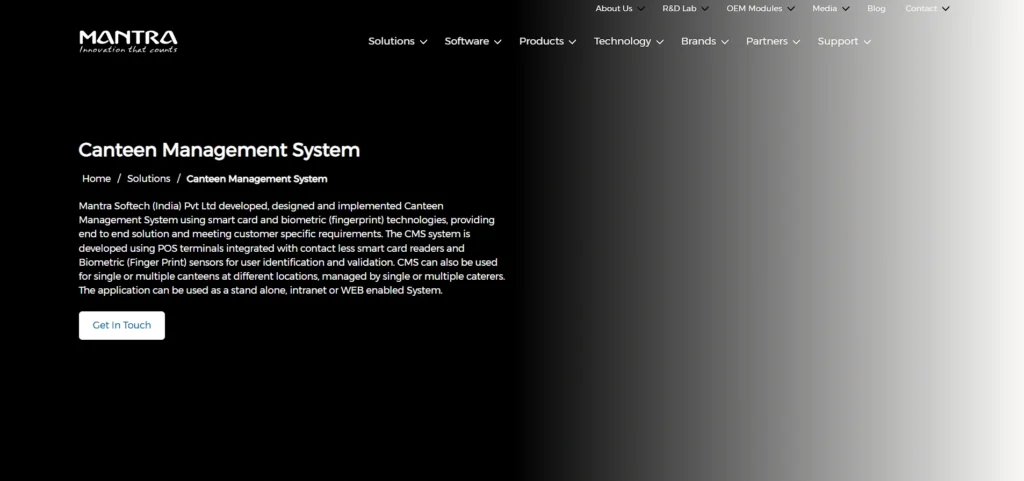
Website: https://www.mantratec.com/Solutions/Canteen-Management-System
Mantratec canteen management software and Canteen Management System assists in the automation of menu management, billing, and inventory monitoring. It enhances online ordering and lessens the number of people who handle the task.
The system enhances the fast speed of service and proper records of sales and usage of stock. It can be applied to institutions, offices, and hospitals that require a simple yet effective solution to be able to operate the canteen daily efficiently.
Key Features
- Digital menu management
- Billing automation
- Inventory tracking
- Mobile ordering
- Sales analytics
Pros
- Improves service flow
- Reduces manual errors
- Good mobile options
- Clear analytics
Cons
- Some advanced features cost extra.
- Setup time required
- Support may vary.
Pricing
- Connect with the team
Comparison Table: Canteen Management Software
| Software | Best For | Billing & POS | Inventory Management | Unique Feature | Pricing |
|---|---|---|---|---|---|
| Sodexo Canteen Management | Large enterprises & multi-location canteens | ✔ Digital & Cashless Billing | ✔ Real-time tracking | Centralized multi-location control | Contact Team |
| Compass Group Canteen Software | High-volume corporate cafeterias | ✔ Fast order & payment processing | ✔ Basic stock control | Workflow automation for large setups | Contact Team |
| eZee Optimus | Small & medium canteens | ✔ Integrated POS | ✔ Inventory tracking | Easy dashboards & reporting | Starts at $41/month |
| Kanpla | Tech-driven offices & institutions | ✔ Digital ordering | ✔ Waste reduction tools | Customer pre-order & engagement tools | Contact Team |
| Violet | Small organizations | ✔ Automated billing | ✔ Basic inventory | Queue management system | Contact Team |
| Space Basic | Schools, colleges & offices | ✔ Cashless payments | ✔ Menu & stock control | Remote monitoring | Contact Team |
| FaceIT Systems CMS | Corporate & industrial canteens | ✔ Automated billing | ✔ Inventory control | Biometric meal access | Contact Team |
| SwilERP Canteen Software | Small to mid-sized cafeterias | ✔ POS billing | ✔ Stock tracking | Affordable & simple interface | Contact Team |
| Dyne Cafeteria Management | Large employee cafeterias | ✔ Card-based cashless billing | ✔ Usage tracking | Employee card integration | Contact Team |
| Mantratec Canteen Management System | Institutions & hospitals | ✔ Billing automation | ✔ Inventory tracking | Mobile ordering support | Contact Team |
Ending Note
Selecting an appropriate canteen management software is a strategic move that influences efficiency, cost, and customer satisfaction directly. An effective system simplifies day-to-day business, lessens the amount of manual work, and offers easy access to sales and stocks.
Be it a free or an open-source software or a paid cloud-based platform, the most important thing is to match the software to your operational size and future objectives. Investing in the appropriate technology not only makes management easier but also enhances the speed and transparency of service.
A trusted canteen management system will help in building a smoother workflow, happier customers, and a more successful canteen business in the long run.
FAQs
1. How Does Canteen Management Software Cope With Peak-Hour Order Congestion Easily?
Advanced systems involve automated order queuing, rapid billing, and POS integration to handle large volumes without delays and errors.
2. Does Canteen Management System Allow various pricing And Meal Plans?
Yes, strong platforms enable flexible pricing, subscriptions, employee meal plans, and time-based discounts under a single system.
3. What Is The Role of Data Analytics In Enhancing Canteen Profitability?
Analytics keep track of sales, food intake, and wastage to enable managers to streamline menus and to keep operational costs down.
4. What Is The Level of Security of Cloud-Based Canteen Management Software In Terms of Financial Data?
Contemporary cloud capabilities apply encryption, access roles, and safe backups to secure transactions and confidential business information.