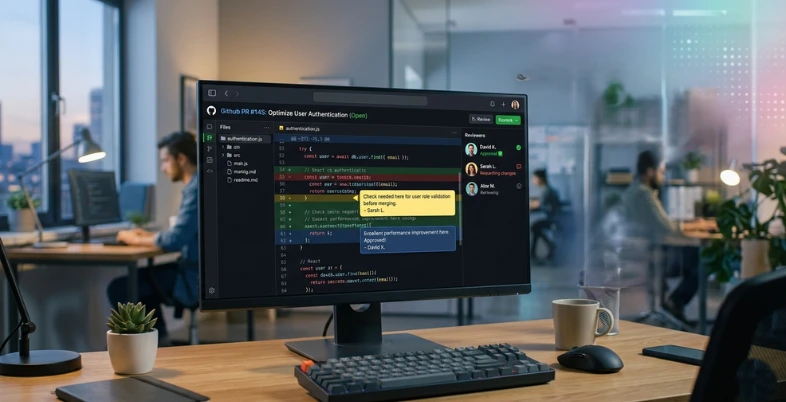
Modern software development is moving fast, and maintaining clean, secure, and efficient code has become more important than ever. This is where code review tools play a crucial role. These tools help developers analyze code changes, identify bugs, enforce coding standards, and improve overall code quality before deployment.
Best Code Review Software goes beyond manual checking by offering features like automated analysis, inline comments, security scanning, and seamless collaboration across teams. Whether you’re working in a small startup or a large enterprise, these tools help streamline the review process, reduce errors, and ensure consistency in your codebase.
From platforms like GitHub and GitLab to advanced AI-powered solutions such as SonarQube and modern AI reviewers, today’s tools are designed to speed up development while maintaining high-quality standards.
In this guide, we’ll explore the best code review tools that can help your team write better code, collaborate effectively, and deliver reliable software faster.
What are Code Review Tools?
Code review tools are computer programs or systems that support the organized inspection of software source by programmers, either through human cooperation or automated code inspection of AI and static analysis, to spot bugs, security issues, code smells, style checks, and compliance with best practices before the addition of such modifications to the primary codebase. They are integrating with version control systems such as GitHub, GitLab, or Bitbucket, thereby providing features such as pull/merge request reviews, threaded discussions, automated quality gate checks, a check for duplicated code, and real-time feedback to improve code quality, reduce technical debt, and work together as a team, but accelerate development processes.
Benefits Of Code Review Software
The code review platform also facilitates teamwork and enhances the quality of software, as the checks and feedback are automated.
Key Benefits
- High Quality of the Code: The tools help to detect bugs, to impose standards, and to decrease technical debt with the help of the automatic analysis of the code and the involvement of peers.
- Rapid Development Cycles: When the issues are detected early, the time taken in the reviews is minimized, merging is minimized, and it works well with the CI/CD pipeline.
- Greater level of Security: Static analysis will identify the vulnerabilities at the pre-production level, minimizing the probability of an exploit or vulnerability existing.
- More Co-ordination: with inline comments, notification, and asynchronous feedback, more coordination is provided to distributed teams, even across time zones.
- Knowledge Sharing: Seniors provide knowledge to the junior developers in a discussion format, and audit trails are utilized to track changes.
- Consistency and Standards: Automated rules ensure standard style, performance, and maintainability optimization.
- Fewer Bugs: Automation and multiple eyes detect bugs that the system has missed, making the debugging cost lower later.
Criteria For Analysis Of The Code Review Tools
- Core Features: Automated code review testing tools, Testing tools based on automated analysis, Review based on bugs, security vulnerabilities, code smells, and duplicate detection. Test AI-advice, customizable rules, and language support of several languages (Java, Python, and JavaScript). The successful collaboration can be achieved because of inline commenting, threaded discussion, and instant feedback on a pull request.
- Interoperability and Inter-compatibility: Put emphasis on an impeccable integration of version control systems such as GitHub, GitLab, Bitbucket, and CI/CD pipelines. Multi-repo awareness, workflow automation, and compatibility with other tools, e.g., Jira or IDEs, make teams more scalable. Context depth from file-level to architectural level depth is significant to microservices or enterprise architecture.
- Developer Usability and Experience: Assess natural interface, intuitiveness, low learning curve, high-speed performance, and customizable dashboards to learn in a relatively short period. Automation of peer assignments, live collaboration, on-demand approval rules, and automation of review times are reduced. Ease of onboarding, which has trials, facilitates team productivity and is documented.
- Security and Compliance: Vulnerability scanning of search, quality gate, and adherence to such standards as GDPR or PCI DSS. Prioritization and audit trail give safety and code adherence in regulated industries. Rollback and issue tracking are automated and minimise downtime.
- Pricing and Scalability: In comparison to ROI by using options of free and scaling with small to large teams, compare models of pricing: freemium, per-user, or percentage of spend. Add quality of support, community resources, and G2 or Gartner long-term value.
List Of 12 Best Code Review Tools
1. GitHub
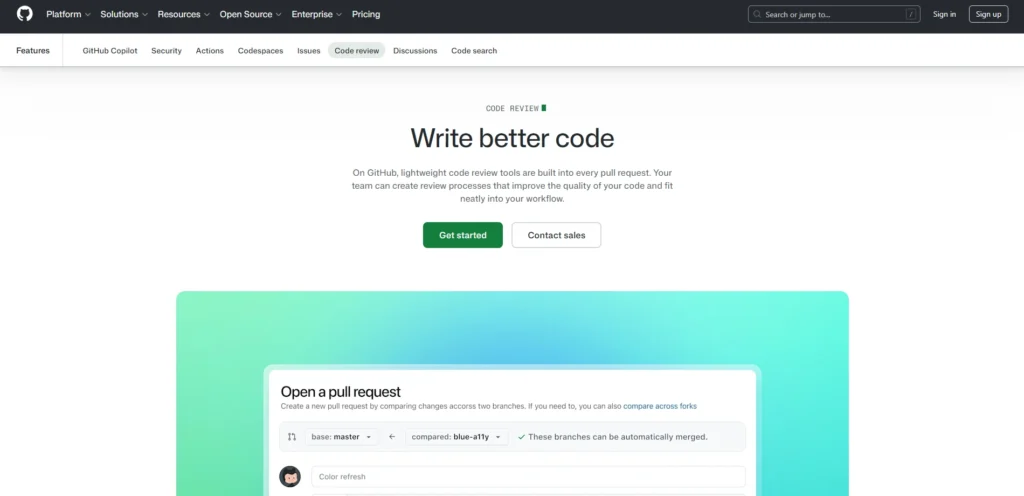
Website:https://github.com/features/code-review
GitHub are built into the pull request to provide the capabilities of collaboration and feedback on the quality of the code change, in the collaboration and the sharing of knowledge among the teams. Reviewers are able to make inline comments on individual lines, propose direct edits, endorse change, request a fix, or just comment, and may choose to resolve a thread, enforce an approval with a rule of branch protection. These options come free of charge in all plans on top of the basic platform charges.
Key Features
- Specific feedback on code lines through inline commenting.
- Recommended modifications that authors can implement in a single click.
- Statuses of reviewing: Approve, Request changes, or Comment.
- Ask people, groups, or code owners to review a code using the CODEOWNERS file.
- Reviewers and approvals of secured branches necessary.
- Pre-review pull requests Early collaboration using drafts.
- Several reviewers can be attached to one pull request.
Pricing
- free:$0/user/month
- Team :$4/user/month,
- Enterprise: $21/user/month
2. GitLab

Website: about.gitlab.com.
GitLab is based on the principle of Merge Requests (MRs), a collaboration-based peer review system within the DevSecOps framework to identify bugs and other flaws in the code and ensure quality standards before merging. Reviewers can comment inline, open threaded discussions, suggest changes, and approve or request revisions. It integrates seamlessly with CI/CD pipelines to perform automated testing, security checks (including SAST/DAST), and compliance tests, and can be further enhanced using API documentation tools and modern AI-powered code assistants for better collaboration and understanding of APIs.
Key Features
- Comment and pinpoint feedback. Pinpoint feedback. Attached and embedded comments to deliver pinpoint feedback.
- Check (dependency checks, automated security scanning, SAST, DAST).
- Recommendations and approval rules of simplified working in a tabular form.
- Live testing, preview, and review apps.
- The AI generated PR summaries and descriptions of vulnerabilities and code recommendations.
- Applicability, audit trails of policies, and policies that can be customized.
Pricing:
- free:$0
- Premium:$12 in GitLab Credits/User/Month
- Ultimate: Includes $24 in GitLab Credits/User/Month
3. Bitbucket
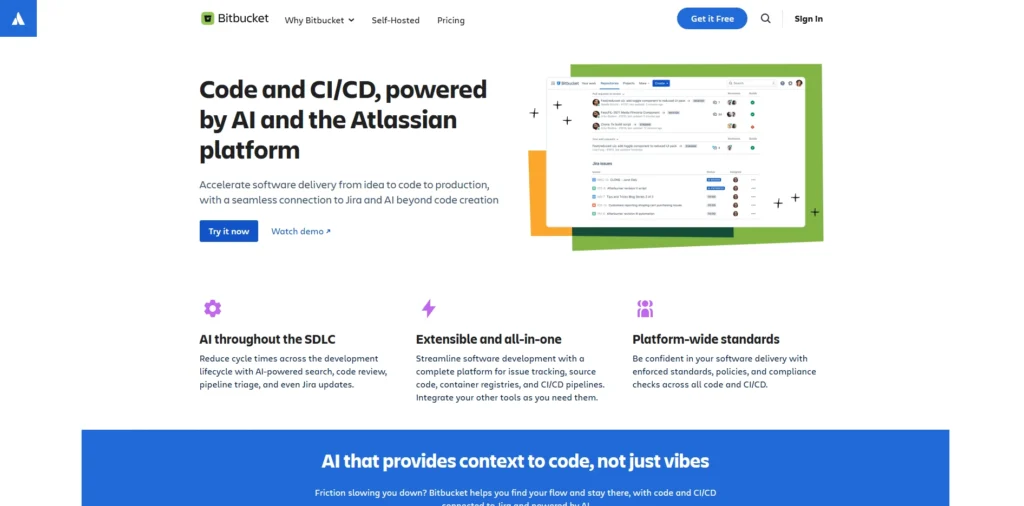
Website: Bitbucket Code Review Features
Bitbucket is the code review tools are grounded on the principle of pull requests (PRs), and they provide a compact workflow in the way that allows teams to effectively and safely work on code changes. The PRs are constructed in such a way that they propose changes, on which the reviewers may leave an inline comment, discuss the problems, accept or require changes, and may contain automated verification, including tests or security checks, itself, formatted to be readable even when a large diff has extended it.
Key Features
- PR One-page PR to navigate and read big codebases without issues.
- Comments and tasks should be created at the right time in order to receive accurate feedback and track the problems.
- Branch permission and merge checks to introduce quality standards before the merger.
- Linking with Jira, CI/CD pipelines, and automated security scans for quality control.
- Check work and diff views in order to find bugs sooner.
Pricing:
- Free:$0
- Standard:$3.65per user/month
- Premium:$7.25 per user/month
4. Gerrit
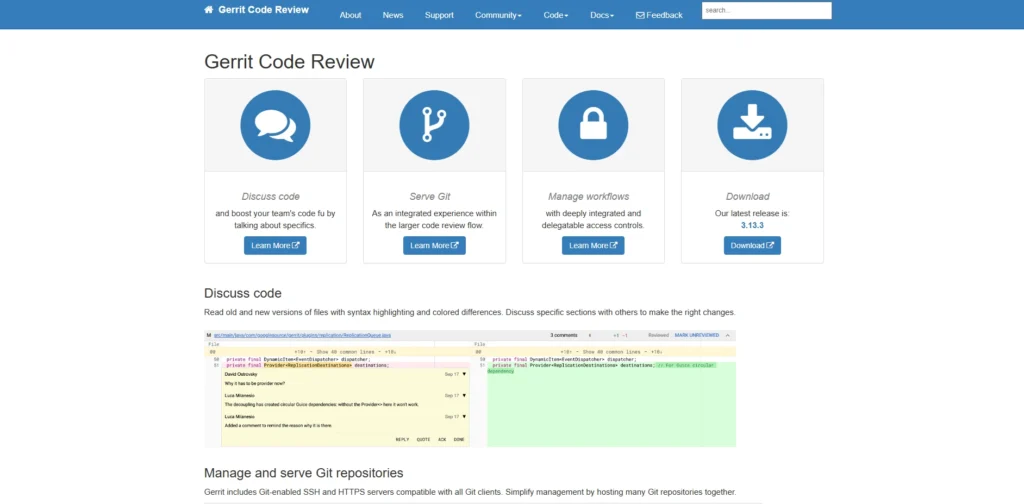
Website:https://www.gerritcodereview.com
Gerrit is an open-source, free web-based code review tool (written on the basis of Git) that was initially created by Google as an approach of assisting effort of coding tools. It allows developers to make changes as patch sets using the special refs/for/<branch> push command, on which one may write inline comments, side-by-side diffs, and scored labels (such as Code-Review +2/-2 or Verified +1/-1) and approve or disapprove merges.
Key Features
- Patch-based reviews where the next commits have been patched.
- Comprehensive comments and in-text comments.
- To manage merging, screen scoring/labels (e.g., +2 strong approval, -1 needs work).
- Change-ID that allows tracing the changes and involves reviewers is automatic.
- SSH/ HTTPS-based repositories, repository control, and repository control.
- CI/CD combination in a bid to have automated verification and workflow automation.
- Search, browse repos/plugins/groups, rebase/abandon/revert, etc.
Pricing
- Gerrit is totally open source and free, and has no license fee- it is self-hosted on your system.
5. Review Board
Website:https://www.reviewboard.org
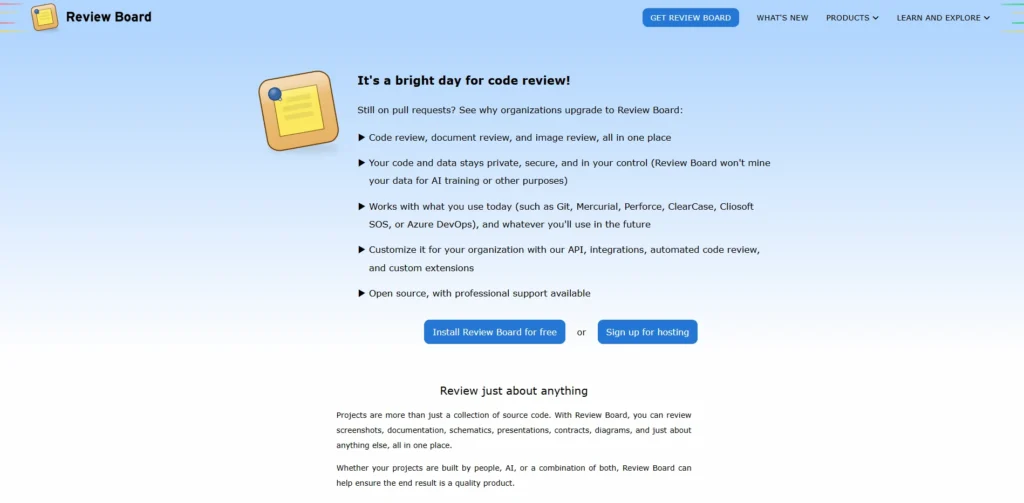
Review board, a free code review tool and one of the leading code review tools, assists in hosting a collaborative review of code modifications, screenshots, documents, etc., in a huge number of version control systems, including Git, Subversion, Mercurial, and Perforce. It streamlines the pre and post-commit processes as it provides a web-based interface to view the diff, comment on the diff on-screen, and see the review process, which helps a team to identify problems early, enhance the quality of the code, and run the reviews through a CI tool like Jenkins or Review Bot to automate the checks.
Key Features
- Various commenting and smart indent displays to give correct feedback.
- Transitioned code detection and tracking across review.
- Any SCM and language, including Git, SVN, Mercurial, and Perforce.
- Reviewing PDFs, office files, comments, and thumbnails in the region of the diagram.
- Check Bot by means of CI tools (Jenkins, Travis-CI).
- Batches (third-party integrations, e.g., screenshots to Amazon S3).
Pricing:
Review board is an open source (self-hosted) app; it accepts commercial support and paid hosting via RBCommons but does not list any per-user prices.
6. Crucible
Website: https://www.atlassian.com/software/crucible
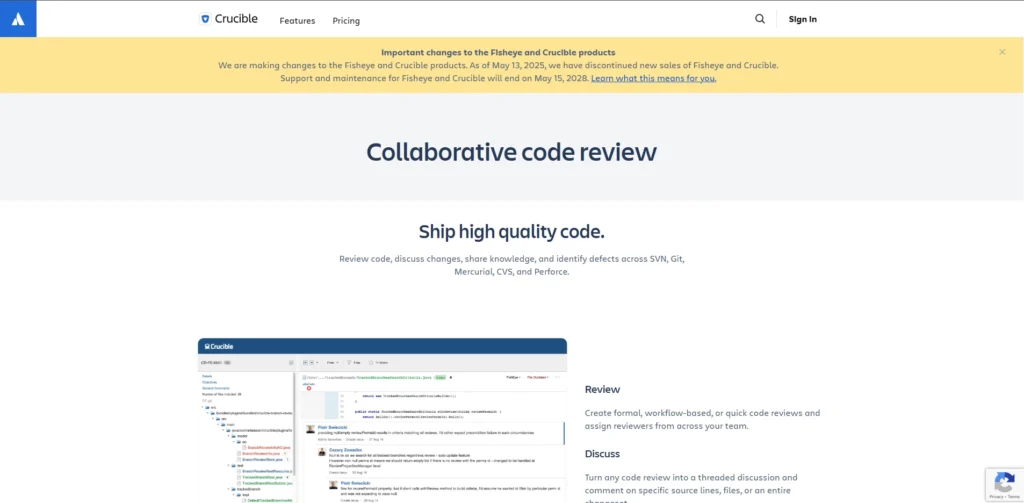
Crucible is a web-based Atlassian code review tools that is used by enterprise teams to facilitate the process of peer review, monitoring source code developments, and enhancing code quality within a repository, which could be Git, SVN, Perforce, CVS, and others. It provides an easy-to-use interface with diff viewers to visualize any changes, allows commenting and notifications, and has native integration with Jira, Bitbucket, and Fiskeye to provide a more comprehensive trace of the workflow and metrics as well as reporting.
Key Features:
- diff viewer next to each other, to identify and talk about code changes, obviously.
- Shared reviews with several reviewers, assignments, and live notifications.
- Integration with the Atlassian products such as Jira (issue-based auto-updates) and Bitbucket (single-Click review).
- Review progress, code metrics (e.g., LOC, top committers), and team performance as activity streams, charts, and reports.
- Compliance audit trails, periodic reviews to deal with file updates, and repository connectivity.
Pricing:
- Small teams: USD 10 One-time payment
- Growing teams: USD 1,100 One-time payment
7. Phabricato
Website:https://www.phacility.com/phabricator/
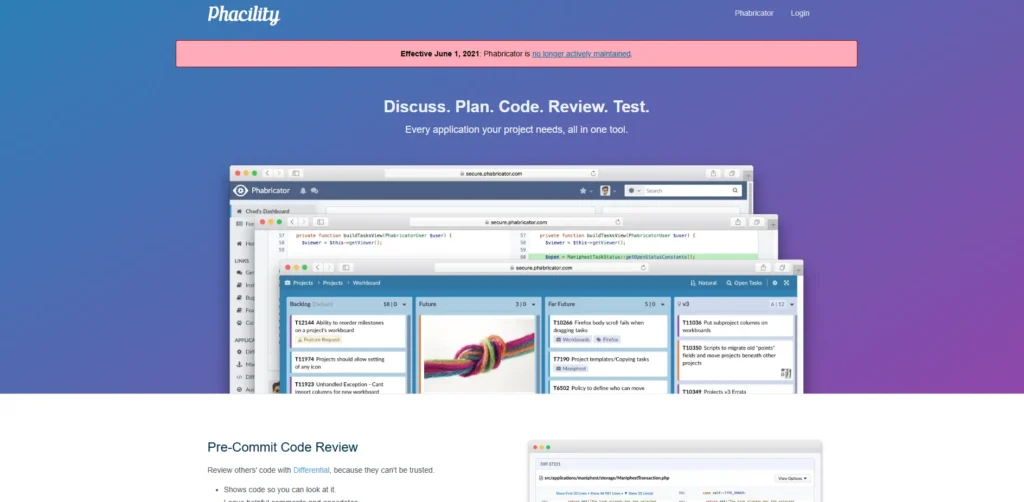
Phabricator is the entirely open-source (which is likely the term you are referring to by Phabricito, a misspelling of phabricator) is a set of web-based applications created by Facebook to facilitate reading their code and working together, such as using the Differential, an organized code review tools with version control and inline comments, Diffusion, a web-based Git reader, Mercurial or SVN repository, and aids and sundries such as Arcanist CLI, a patch creation and submission tool.
Key Features
- Differential: Permits more sophisticated code inspection with the help of diff highlighting, commentaries, and approvers.
- Diffusion: Browsing of code history, blame view, and search in supported VCS like Git and SVN Repository browser
- Project management system, a code review, and a task-based bug tracker.
- Herald: Audit and code change action rule engine, notification.
- Arcanist: Arcanist is a utility command-line program that can also be utilized to write and publish patches in an effective way.
- Live collaboration and diff coloring (addition in green, deletion in red).
Pricing
- Phabricator is free (self-hosted), open-source, and not formally priced.
8. RhodeCode
Website:https://rhodecode.com
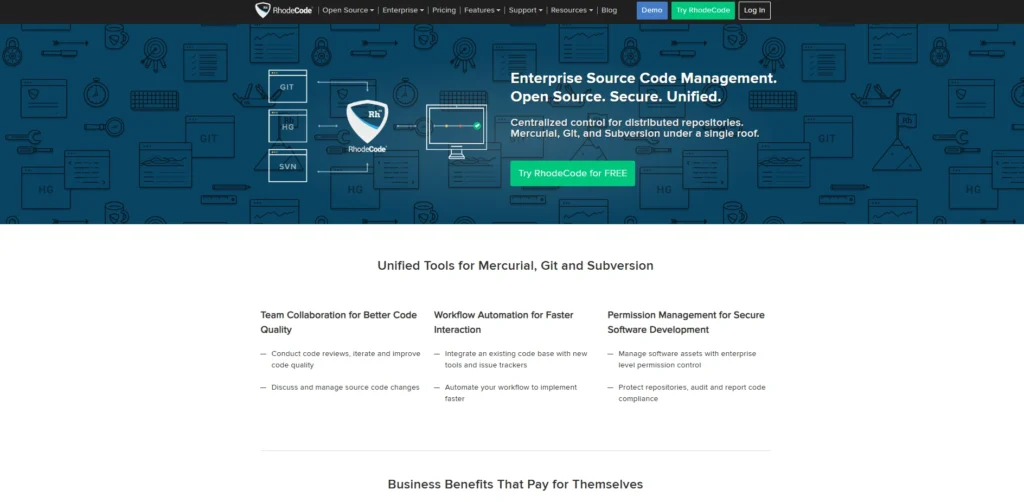
RhodeCode is the code view tools that provide an effective web-based application enabling developers and teams to view, read, make, and collaborate on source code in Git, Mercurial (Hg), and SVN repositories, all in the same unified code view interface. The major capabilities include syntax-highlighted file viewers, side-by-side and inline diff views to compare changes, interactive inline commenting during reviews, visual graph logs to visualize the change history of a branch and a merge to track easily, a full-text search engine that is powerful and indexes code and can support regular expression patterns, and an online code editor to do quick edits without having to leave the browser.
Key Features
- Single repository integration of Git, SVN, and Mercurial with centralized access.
- An online code editor used to create, edit, and delete files with syntax support.
- Code review tools such as pull requests, merge requests, inline comments, and code chat.
- Graphical logs, visual diff viewer, and commit history.
- Fine-grained permissions access control, LDAP/AD, IP restrictions, and branch permissions.
- Tracking of issues, wiki, Markdown, webhooks, notifications, and API access.
- Large binary file support, source indexing, and code search. Full-text code search.
Pricing:
- RhodeCode Community: Free & Open Source
- RhodeCode Enterprise:$75 per user/year
- RhodeCode Cloudnew: From $8 per user/month
9.SonarQube
website:https://www.sonarsource.com/
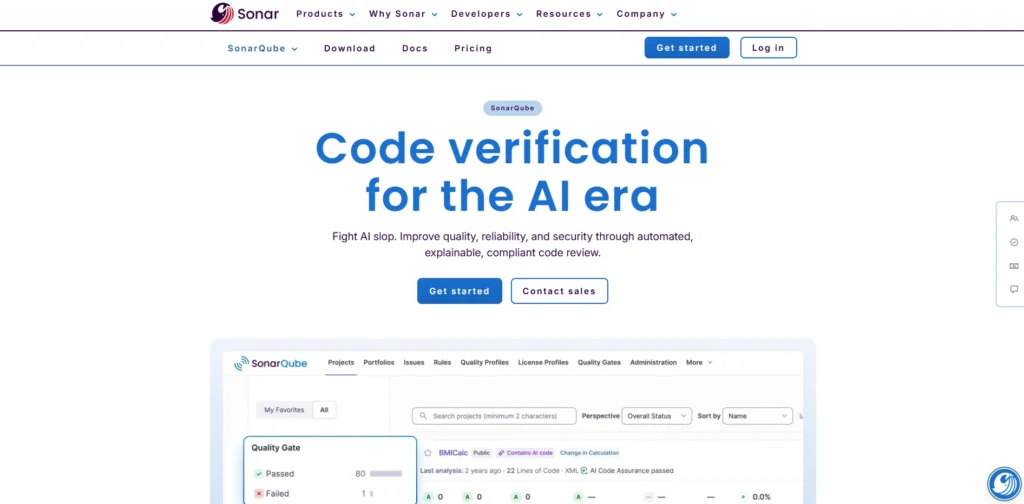
SonarQube is a code review tool, a code-view-and code review tools service, an open-source static-code-analysis tool, which automatically analyzes source code to reveal bugs, vulnerabilities, security hotspots, and code smells in 30+ languages and frameworks, and displays the results in a web-based dashboard to which the developer can find, prioritize, and manage bugs in the context of the underlying code tree, branches, and pull requests.
Key features:
- Bug, vulnerability, and code smell code review. Automatic code review on 30+ languages.
- CI/CD pipes include all the branches, which are continuously monitored, pull/merge requests, and merge.
- Quality gates and quality profiles to introduce the coding standards, as well as the removal of poor-quality code, to reach production.
- Code coverage (line, branch, method) to monitor the efficiency of the test suites.
- Higher-level editions: SAST: security-based analysis, Taint analysis: secrets discovery, Secrets discovery on higher-level versions, IaC scan: security-based analysis.
- Code-quality and technical-debt dashboards and drill-downs on project, portfolio, and architecture-levels.
- IDE pull request ornamentation (with SonarLint) and integration of issues in a manner that they can be seen on both the IDE and the DevOps UI.
Pricing:
- Free: Always free:$0
- Team: Starts at: $32 per month
10. AWS CodeCommit
Website: https:aws.amazon.com/codecommit/
AWS CodeCommit is the Tools of the AWS Management console should also include code view tools, which are provided with the service; this means that a person can see the code as it was at a certain time, can read the history of the commits, and can see what was added to the repository. A file-explorer-like interface allows a user to have a floating window that they can use to view the time and information of a particular file, by clicking on the Browse option of a commit to see the literal state of a repository with syntax-highlighted differences, and by clicking on a file-explorer-like view to see a graph of a commit as a visualizer.
Key Features
- The history View history with who/when data, full IDs, and snapshots of the code at any point in time.
- Branch visual commit graph, merge (except fast-forwards) visual commit graph, and timeline commit graph.
- Check files and folders that have a syntax highlighter and compare files and alternate branches or labels.
- Integration with Git software, AWS-CLI (e.g., get-commit, get-differences), and CI/CD (CodeBuild) services.
- My IAM roles/policies and my CloudTrail/CloudWatch.
Pricing
- AWSI AWS CodeCommit costs one dollar per month as long as the user is an active user of the first 5 users, and after 50 GB, the user costs a fee of $0.05 per GB-month data transfer, and no fee on public repositories or the initial 5 users of the first 50 GB of storage/ 2 GB of data transfer/ month.
11. Azure DevOps
Website:https://azure.microsoft.com/en-us/products/devops
Azure DevOps provides default code viewing and code review services as a component of the Repos service of the platform, which enables teams to navigate repositories and visualize code changes and a pull request (PR) review in its entirety within a browser-based platform. It has side-by-side file differencing, blame annotations as to the author of what, syntax highlighting of different languages, and in-pr commenting of individual lines or files, as well as being designed to make collaboration easy without the need to use external IDEs.
Key Features
- Side-by-side and inline comparison of changes.
- On-the-fly commenting of code and threaded PRs discussion.
- Single lines: To determine the last person to edit a line.
- Emphasize syntax and abundant file rendering (e.g., Markdown, JSON).
- Branch comparison and historical visualization.
- Compliance and Enforcement of policies that are to be checked.
- Work item integration based on code to tasks.
Pricing;
- free plan:5 users, unlimited number of personal repos, and limited features
- paid plans:$ 6/user/month
12. Collaborator
Website:https://smartbear.com/product/collaborator/
Collaborator is the review tool under SmartBear Peer codes are called SmartBear Collaborator and allows developers to open single file revisions in a read-only Code Viewer, or review two or more revisions together in Diff Viewer, showing additions in green, changes in yellow, and deletions in red, so that they may easily see the visual feedback. Such viewers are incorporated with development tools such as Visual Studio, displaying contextual remarks, defects, and threaded discussions in a special window to ease collaborative discussions associated with particular lines or the whole file.
Key Features
- Diff view with color-coded changes (green lines added, red lines deleted).
- Gutter line-specific feedback using inline comments and defect icons.
- Threaded discussions, replies, and defect tracking conversation pane.
- Single revision read-only mode and IDE (e.g., Visual Studio) integration.
- Code, document (Word, Excel, PDF) support, image, and SCM support, such as Git and SVN.
- Reports and audit logs on compliance and review measures.
Pricing:
- Team:5 user pack $845 / year
- Enterprise Subscription:$1500 / year
Comparison Table
| Tool Name | Type | Pros | Cons | Pricing Model | Best For |
|---|---|---|---|---|---|
| GitHub | Cloud-based | Easy to use, strong community, seamless GitHub integration (Code Quality) | Limited built-in static analysis, needs external tools (Code Quality) | Free + Paid plans | Startups, open-source teams |
| GitLab | Cloud & Self-hosted | Built-in DevOps tools, strong automation, security features (Atlassian) | Advanced features require paid plans, can be costly (Atlassian) | Free + Paid tiers | DevSecOps & enterprise teams |
| Bitbucket | Cloud-based | Excellent Jira integration, good for Agile workflows | Less intuitive UI, fewer features than GitHub/GitLab | Free + Paid plans | Teams using Atlassian ecosystem |
| Gerrit | Open-source | Highly customizable, strong review control | Steep learning curve, complex setup | Free | Large enterprise workflows |
| Review Board | Open-source | Flexible, supports many VCS, open-source | UI feels outdated, limited modern integrations | Free (self-hosted) | Multi-repository teams |
| Crucible | Enterprise | Strong reporting, enterprise-ready, integrates with Atlassian tools | Paid license, not ideal for small teams | One-time license | Enterprise teams |
| Phabricator | Open-source | Full development suite, highly scalable | Discontinued support, complex setup | Free | Large-scale engineering teams |
| RhodeCode | Hybrid | Strong security, multi-VCS support | Limited community, enterprise focus | Free + Paid plans | Secure enterprise environments |
| SonarQube | AI/Static Analysis | Excellent code quality analysis, supports many languages (Cotocus) | Requires setup, may need integration with other tools | Free + Paid plans | Code quality & security focus |
| AWS CodeCommit | Cloud-based | Fully integrated with AWS ecosystem | Limited features compared to competitors | Pay-as-you-go | AWS-based teams |
| Azure DevOps | Cloud-based | End-to-end DevOps platform, Microsoft integration | Can be complex for beginners | Free + Paid plans | Microsoft ecosystem teams |
| Collaborator | Enterprise | Strong compliance, audit trails, enterprise-grade | Expensive, less popular ecosystem | Paid plans | Regulated industries |
Conclusion
The Code Review Tools, like GitHub, GitLab, Bitbucket, Gerrit, and SonarQube, could be used to transform individual code development into a force of many individuals, whether it is the first bug found, code quality, code security, or the development of any magnitude. They use Git workflows, CI/CD pipes, and IDEs as a guarantee of the quality of the code under improvement, the comprehension of the information, and fewer headaches in the future, both in cases of individual work and a large-scale project in an enterprise. Select the alternative that best suits both your needs and the budget of your team and tech stack to write foolproof production-ready code each time
FAQs
Q.1 What is a Code Review Platform?
Code reviewing tools help developers to inspect, collaborate, and improve code changes before merging and detect bugs early in the stages, and enforce standards on them. They are used together with other platforms like GitHub and GitLab to streamline workflows.
Q.2 Why Use Code Review Tools?
The tools reduce errors, enhance security, and speed up the development process by automating feedback and teamwork. They save time as compared to manual reviews, especially at the time when the team is enormous.
Q.3 What Is the Difference between AI Code Review Software?
AI-based applications, including CodeRabbit or Zencoder, respond to line-by-line responses, PR briefs, and auto-correct, refine, and refinements and polishes the reviews based on the team’s input. The manual or static checks are considered more traditional tools.
Q.4 Which Tool is best suited to use with GitHub?
Native inline commenting, approvals, CI/CD, and AI enhancers, including Copilot Chat, are best with GitHub Pull Requests and CodeRabbit. They enable a seamless process of protection of branches and audit trails.
Q.5 Would Codacy Be Appropriate For Automated Reviews?
Yes, Codacy is a computerized tool that undertakes static analysis, vulnerability search, and offers quality metrics across languages, and can be combined with PRs with little manual effort. It fits in security-conscious groups.